
What if your computer could start faster, update itself, protect your data, and let you work from almost anywhere without complicated maintenance?
Many people still think an operating system is only about running applications and browsing the internet. However, modern operating systems also need to support security, collaboration, flexibility, and efficient device management.
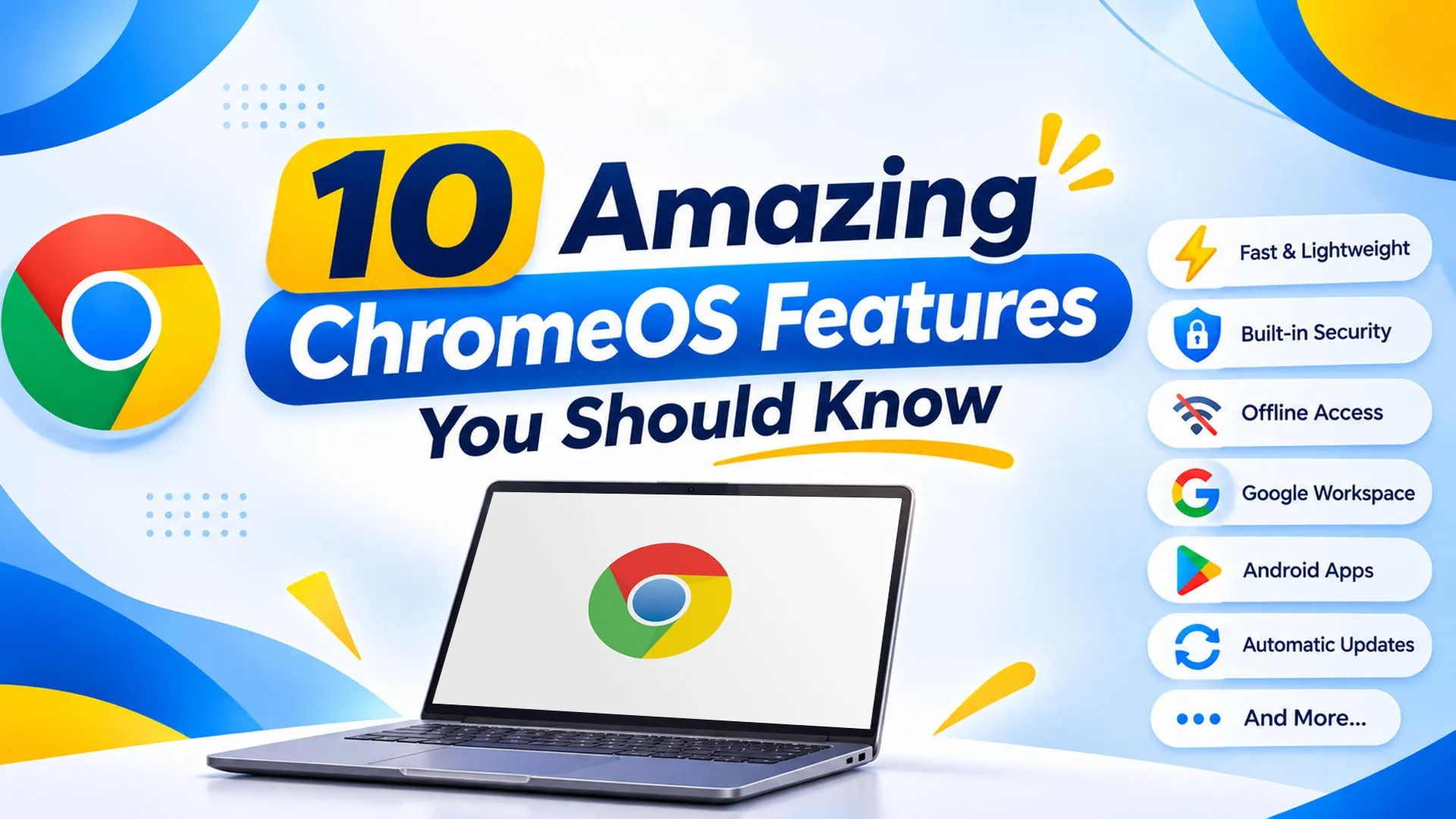
Developed by Google, ChromeOS is a lightweight, cloud-first operating system designed to make everyday computing simpler. It offers several useful features, including automatic updates, built-in security, Android app support, Linux environments, and cloud integration.
Whether you are a student, developer, business owner, or everyday computer user, understanding these features can help you get more out of your device. For businesses in Pakistan, SpixHost
1. Fast Startup and a Simple User Interface
Nobody likes waiting several minutes for a computer to become ready. One of the noticeable advantages of ChromeOS is its lightweight design and quick startup experience.
Unlike traditional operating systems that may run several background processes during startup, ChromeOS offers a relatively simple computing environment.
Its clean interface also makes everyday navigation easier.
Users can:
This makes ChromeOS particularly useful for people who want a straightforward computing experience without unnecessary complexity.
2. Automatic Updates Without Constant Manual Work
Keeping an operating system updated is important for security, stability, and performance. However, manually checking for updates can become another task for users and IT teams.
ChromeOS handles updates automatically, helping devices stay current without requiring users to manage every update themselves.
Updates are designed to happen in the background, reducing interruptions to everyday work.
Why is this useful?
For businesses managing multiple computers, automatic updates can simplify device maintenance and help maintain a consistent working environment.
3. Verified Boot for Built-In Security
What happens if someone tries to modify your operating system or install harmful software?
ChromeOS includes a security feature called Verified Boot that checks the integrity of the operating system during startup.
If the system detects that important components have been modified or corrupted, it can take steps to restore a verified version.
This helps protect the device against certain forms of tampering and unauthorized system modifications.
Key advantages include:
For businesses handling important information, built-in security features can help reduce certain device-related risks. However, organizations should still use strong passwords, appropriate access controls, and safe browsing practices.
4. Sandboxing Keeps Applications Isolated
Not every website or application you access online is trustworthy. Some may contain harmful code that can create security problems.
ChromeOS uses sandboxing technology to isolate browser tabs and supported applications from one another.
Think of it as giving different applications their own separate environments. If one application encounters a problem, sandboxing helps limit its ability to affect other parts of the system.
This feature is particularly useful when employees regularly access websites, download files, or use multiple online applications.
How sandboxing helps:
Combined with Verified Boot and automatic updates, sandboxing contributes to ChromeOS's multi-layered security approach.
5. Seamless Cloud Storage and File Access
Imagine starting a project at the office and continuing the same work from home without manually transferring files between computers.
That's one of the practical advantages of cloud integration.
ChromeOS works naturally with Google Drive and other cloud-based services, allowing users to store, organize, and access files online.
Users can:
For businesses, cloud storage can make document sharing and collaboration easier, particularly when employees work from different locations.
It is worth remembering that cloud storage requires an internet connection for many activities, and users should configure appropriate sharing permissions to protect business information.
6. Work Offline Without an Internet Connection
A common misconception about ChromeOS is that it becomes useless without the internet.
That's not entirely true.
Although ChromeOS is designed around online applications, several applications offer offline functionality. Users can continue working on supported tasks even when their internet connection is unavailable.
For example:
This can be particularly helpful for students, remote workers, and professionals who travel frequently.
Once an internet connection becomes available, supported changes can synchronize with the relevant cloud services.
7. Access Android Applications Through Google Play Store
Why limit your computer to browser-based applications when you can use supported Android apps too?
Many ChromeOS devices support Google Play Store, allowing users to download and install compatible Android applications.
This expands the range of tasks users can perform on their devices.
For example, depending on device compatibility, users can access:
This flexibility makes Chromebooks useful for people who prefer working with mobile applications alongside traditional web-based tools.
However, Google Play Store availability depends on the Chromebook model and its software support. Not every Android application is optimized for a larger screen or supported on every device.
8. Linux Support for Developers and Technical Users
ChromeOS is not limited to basic browsing and office work. It also offers Linux development support on compatible devices.
Through its Linux development environment, users can install and run supported Linux applications, command-line tools, and development software.
This opens additional possibilities for developers and technical professionals.
Some practical uses include:
For example, a developer can use a Chromebook for everyday browsing and communication while accessing a Linux environment for coding-related tasks.
This feature makes ChromeOS more flexible than many people initially expect. However, Linux support and performance depend on device hardware and compatibility.
9. Virtual Desks for Better Multitasking
Working with multiple projects often means opening several browser windows, documents, and applications at the same time.
ChromeOS offers a feature called Virtual Desks, which allows users to create separate desktop spaces for different activities.
For example, you can organize your work like this:
| Virtual Desk |
Instead of keeping everything on one crowded screen, you can switch between these workspaces whenever required.
Virtual Desks are particularly useful for people who manage multiple projects, work with different clients, or prefer keeping personal and professional activities separate.
10. ChromeOS Flex: Give Your Old Computer a New Life
Do you have an older computer that struggles to run modern operating systems?
ChromeOS Flex offers an interesting alternative.
It is a version of ChromeOS designed to be installed on compatible existing PCs and Macs. Instead of purchasing new hardware immediately, businesses may be able to repurpose suitable devices.
Some advantages include:
For organizations managing multiple computers, this can be worth exploring as part of a hardware modernization strategy.
However, not every computer supports all ChromeOS Flex features. Google provides a certified models list, and hardware compatibility should be checked before installation.
Why ChromeOS Is Worth Considering for Modern Businesses
The real value of ChromeOS comes from how its features work together.
Fast startup, automatic updates, built-in security, cloud integration, and centralized device management can support a simpler computing environment for organizations.
Businesses can also use ChromeOS alongside Google Workspace, Microsoft 365, and other supported productivity applications.
This makes it suitable for different working environments, including:
The right choice still depends on your software requirements, hardware compatibility, internet availability, and business workflows.
Why Choose SpixHost for ChromeOS Solutions in Pakistan?
Understanding ChromeOS is one thing. Deploying it across your business and managing devices effectively is another.
SpixHost helps businesses explore ChromeOS solutions for modern workplace requirements. As part of its digital solutions portfolio, SpixHost offers ChromeOS for Business to organizations looking for a cloud-focused computing environment.
Here is what businesses can explore with SpixHost:
Whether you are upgrading existing computers, equipping a new team, or exploring cloud-based computing, selecting the right solution can make a difference.
For businesses in Pakistan, SpixHost provides ChromeOS for Business at affordable and discounted prices, along with Google Workspace, Zoho Workplace, Microsoft 365, hosting, domains, software development, MVP development, and data migration services.
Frequently Asked Questions
1. What makes ChromeOS different from other operating systems?
ChromeOS is a cloud-first operating system with built-in security, automatic updates, and support for web-based applications. It also supports Android and Linux applications on compatible devices.
2. Is ChromeOS suitable for business use?
Yes. ChromeOS can support businesses that rely on web applications, cloud storage, online collaboration, and centralized device management.
3. Can ChromeOS work without the internet?
Yes. Several supported applications offer offline functionality, allowing users to access and edit certain files without an internet connection.
4. What is ChromeOS Flex?
ChromeOS Flex is an operating system that allows users to install a ChromeOS-based environment on compatible existing PCs and Macs, helping extend the usefulness of older hardware.
5. Does SpixHost offer ChromeOS solutions in Pakistan?
Yes. SpixHost provides ChromeOS for Business in Pakistan at affordable and discounted prices, helping businesses explore modern cloud-based computing solutions.