
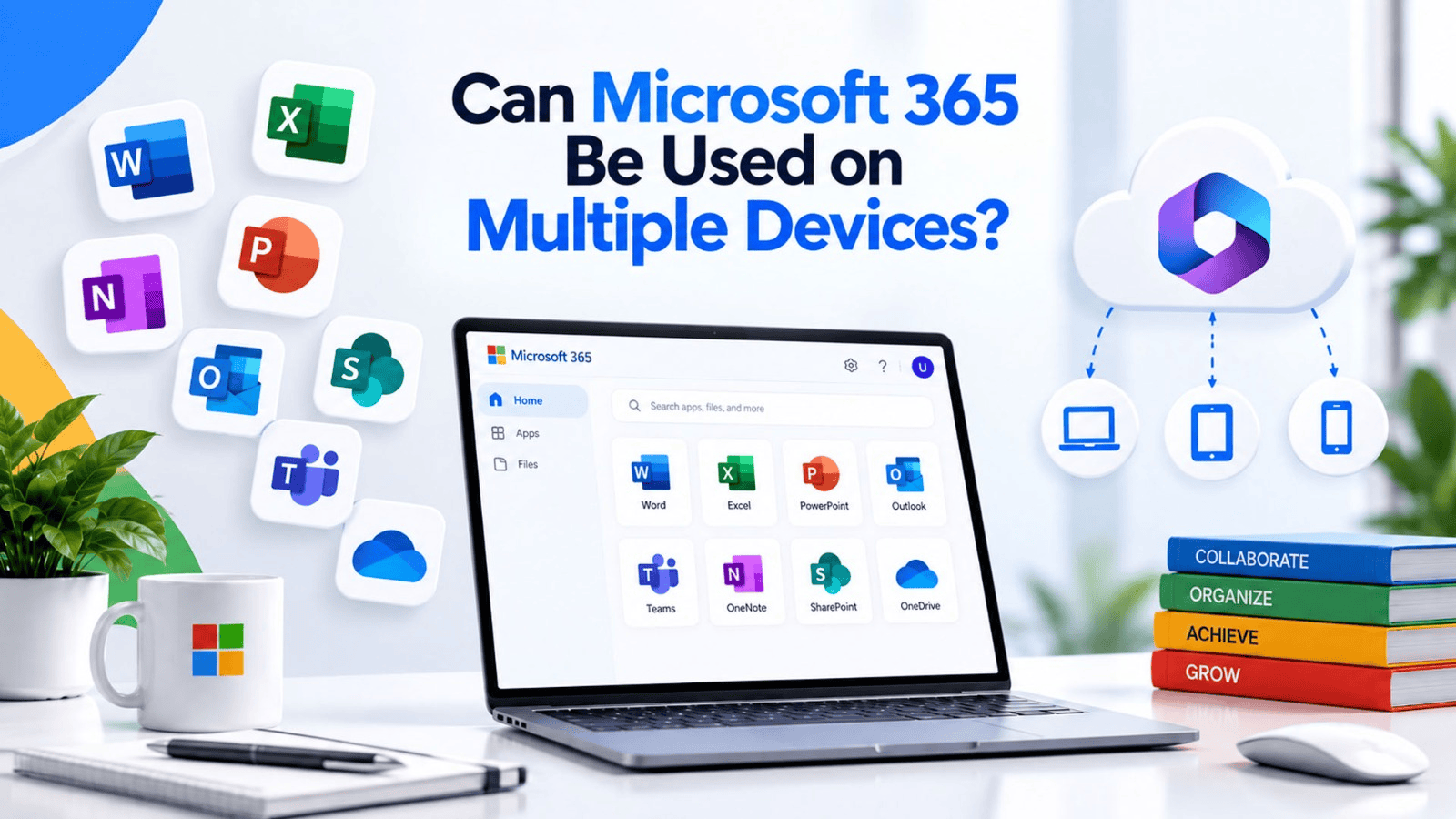
Most professionals today do not work from a single device anymore. A typical workday might start on a laptop, continue on a phone during a commute, and end on a tablet at home. If the tools a business relies on do not work smoothly across all these devices, productivity suffers and employees end up frustrated.
This raises a common question for businesses evaluating their software options: can Microsoft 365 Multiple Devices support really work the way modern teams operate? The short answer is yes, but understanding exactly how it works, and what limits apply, helps businesses make the most of their subscription.
Many business owners assume that a Microsoft 365 subscription is tied to one computer, similar to older versions of Office that came on a disc and installed on a single machine. This outdated assumption often leads businesses to either underuse their subscription or pay for more licenses than they actually need.
This is exactly the kind of confusion that a reliable technology partner can clear up. For businesses in Pakistan, SpixHost provides Microsoft 365 for Business at affordable and discounted prices, along with Google Workspace, Zoho Workplace, Chrome OS, hosting, domains, software development, MVP development, and data migration services, so teams can use their tools across devices without licensing confusion or wasted costs.
What Does Multi-Device Access Mean in Microsoft 365?
Microsoft 365 is built as a cloud based subscription service, which means it is designed from the ground up to work across different devices rather than being locked to one computer.
With Microsoft 365 Cloud Access, a single user account can typically be used to:
- Install Office apps on multiple computers, whether Windows or Mac
- Access the same apps on tablets
- Use Microsoft 365 apps on smartphones
- Log in through a web browser from any device with internet access
Because the core data and settings are stored in the cloud, switching between devices does not mean starting over. Documents, emails, and settings stay synced no matter which device is being used.
Why Multi-Device Support Matters for Businesses
Business operations rarely happen from one fixed location anymore. Employees travel, work remotely, or simply prefer switching between a desktop at the office and a laptop at home.
Cross Device Productivity matters for several practical reasons:
- Employees can respond to urgent emails from a phone without needing a laptop nearby
- Documents can be reviewed and edited during travel using a tablet
- Teams working from different locations can stay updated through synced calendars and shared files
- Businesses avoid the cost of buying separate software licenses for each device type
Without this flexibility, businesses risk slower response times and reduced collaboration, especially for teams that are not always working from a single office location.
How Microsoft 365 Works Across Devices
1. One Account, Multiple Installations
A Microsoft 365 Subscription is tied to a user account rather than a single machine. This means the same account can be used to install and activate Office apps on several devices, based on the license terms of the specific plan.
2. Cloud Storage Keeps Files in Sync
Files saved through OneDrive or SharePoint are stored in the cloud, so opening a document on one device shows the latest saved version, no matter which device was used to make the last edit.
3. Mobile Apps for On the Go Work
Microsoft 365 mobile apps allow users to check email, edit documents, and join meetings directly from a smartphone. This is especially useful for employees who need quick access without opening a laptop.
4. Browser Based Access
For situations where installing software is not practical, such as using a public or shared computer, Microsoft 365 Web Access allows users to log in through a browser and use Office apps without installation.
5. Consistent Experience Across Devices
Whether using a desktop, tablet, or phone, the interface and core features remain familiar, reducing the learning curve when switching between devices.
Device Limits and Licensing Considerations
While Microsoft 365 supports multiple devices, it is important to understand licensing limits so businesses use their subscription correctly.
| Consideration | What Businesses Should Know |
| Number of installations | Most business plans allow installation on several devices per user |
| Device types | Typically includes desktops, laptops, tablets, and phones |
| Simultaneous use | Multiple devices can often be used at the same time under one account |
| Shared devices | Shared or public computers are better suited to browser based access |
| Plan differences | Exact device limits vary depending on the specific Microsoft 365 Business Plans chosen |
Businesses should always confirm exact limits for their chosen plan, since Microsoft 365 Licensing terms can differ slightly between plan tiers.
Benefits of Using Microsoft 365 Across Devices
Office 365 Multi-Device access offers clear advantages for businesses that want their teams to stay productive regardless of location or device.
- Flexibility: Employees can choose the device that best suits their current task
- Continuity: Work started on one device can be finished on another without losing progress
- Faster response times: Quick access to email and files from mobile devices improves communication speed
- Reduced software costs: One subscription covers multiple devices instead of needing separate licenses
- Better remote work support: Teams working from different locations stay connected through shared, synced tools
These benefits directly support the way modern businesses operate, where flexibility often has a direct impact on efficiency and customer response times.
Practical Considerations for Businesses
Before assuming multi-device access will work perfectly out of the box, businesses should consider a few practical points:
- Choose the right plan: Not all Microsoft 365 plans offer the same device allowances, so matching the plan to team needs matters
- Set up device management: For larger teams, admin controls help manage which devices can access company data securely
- Train employees on syncing: Ensuring files are properly saved to OneDrive or SharePoint prevents confusion when switching devices
- Review security settings: Multi-device access should be paired with strong security practices, especially for personal devices used for work
Taking these steps helps businesses get the full value of their subscription while keeping company data secure across different devices.
Making the Right Choice for Your Business
Understanding how Microsoft 365 Devices work together is only useful if a business also has the right setup and support behind it. Poorly configured accounts or unclear licensing can lead to wasted costs or limited functionality, even when the subscription itself supports multiple devices.
This is why many businesses prefer working with a provider that can handle setup, licensing, and ongoing support rather than managing everything internally.
Why Choose SpixHost for Microsoft 365 Setup?
SpixHost helps businesses in Pakistan set up Microsoft 365 correctly from the start, ensuring employees can use their accounts across desktops, laptops, tablets, and phones without licensing confusion. This includes choosing the right plan, setting up device access, and configuring security settings appropriately for the business.
Beyond Microsoft 365, SpixHost also offers a range of related digital services, including web hosting, cloud hosting, domain registration, and data migration, allowing businesses to manage multiple digital needs through one reliable provider.
For businesses in Pakistan, SpixHost provides Microsoft 365 for Business at affordable and discounted prices, along with Google Workspace, Zoho Workplace, Chrome OS, hosting, domains, software development, MVP development, and data migration services. Instead of dealing with licensing confusion alone, businesses can rely on SpixHost for clear guidance and dependable support across all their digital needs.
In the end, Microsoft 365 is built to work across the devices businesses already use every day. With the right plan and proper setup, teams can move between desktops, tablets, and phones without losing productivity, giving businesses the flexibility modern work demands.
Frequently Asked Questions
1. Can the same Microsoft 365 account be used on a phone and a laptop at the same time?
Yes. Most business plans allow simultaneous access across multiple device types under one account.
2. Do files stay updated when switching between devices?
Yes, as long as files are saved through OneDrive or SharePoint, changes sync automatically across devices.
3. Is there a limit to how many devices one Microsoft 365 account can be installed on?
Yes, limits depend on the specific plan chosen, so it is important to review the exact allowance before setup.
4. Can Microsoft 365 be used on a shared or public computer?
Yes, through browser based access, which does not require installing the software on that device.
5. Does SpixHost help businesses set up Microsoft 365 across multiple devices?
Yes. SpixHost provides Microsoft 365 setup and support in Pakistan at discounted prices, helping businesses configure device access correctly from the start.