
Creating business documents is only one part of office work. Employees also need to review reports, update spreadsheets, prepare presentations, share files, and collect feedback from colleagues. When everyone works on separate copies of the same file, keeping information updated can become difficult.
This is why many businesses are moving towards online document editing. Instead of downloading files, making changes, and sending updated versions through email, employees can work on shared documents through a web browser. This makes collaboration easier and reduces the confusion caused by multiple file versions.
Zoho Workplace in Pakistan brings document creation, editing, file storage, and team communication together. Its office applications, Zoho Writer, Zoho Sheet, and Zoho Show, allow users to work on text documents, spreadsheets, and presentations online. Teams can also share files and collaborate with colleagues from different locations.
For businesses in Pakistan, SpixHost provides Zoho Workplace at affordable and discounted prices, along with Google Workspace, Microsoft 365, Chrome OS, hosting, domains, software development, MVP development, and data migration services.
Does Zoho Workplace Support Online Document Editing?
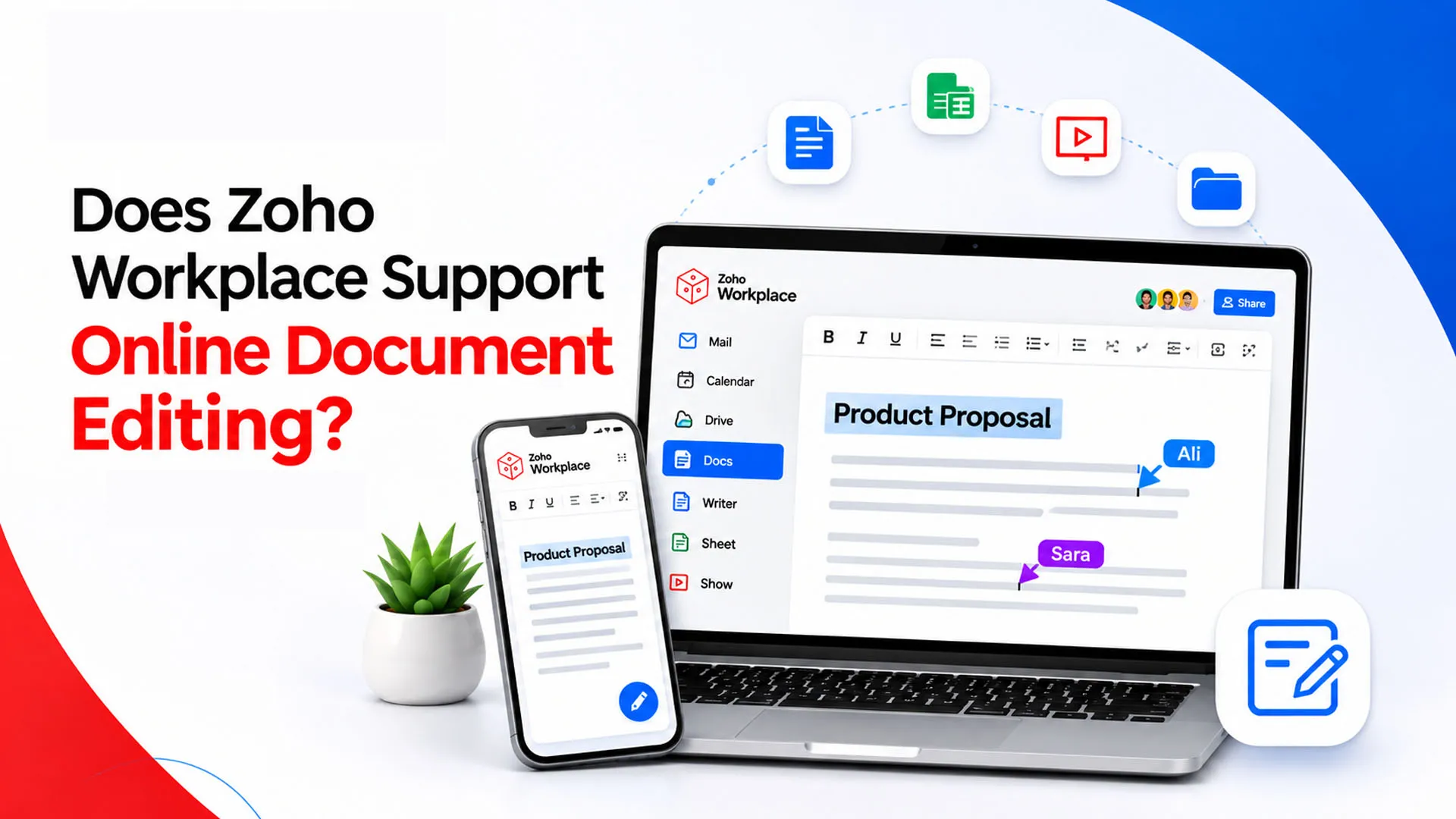
Yes, Zoho Workplace supports online document editing through its integrated office applications. Users can create new documents, upload existing files, edit content, apply formatting, and share their work with colleagues without relying on traditional desktop office software.
Zoho Writer is used for text documents, Zoho Sheet handles spreadsheets, and Zoho Show is designed for presentations. These applications work through supported web browsers, allowing employees to access their files from different devices.
The platform also supports collaboration features such as comments, suggestions, real-time editing, and change tracking. This means team members can review and update shared documents without repeatedly sending attachments to one another.
For businesses that need an online document editing software solution, these features provide a practical way to manage everyday writing, reviewing, and document-sharing tasks.
Which Zoho Workplace Applications Support Online Editing?
Zoho Workplace includes three main office applications. Each one supports a different type of file and helps employees manage specific business activities.
1. Zoho Writer for Text Documents
Zoho Writer is an online word processor used to create, edit, and format text documents. Employees can prepare business proposals, reports, letters, contracts, meeting notes, and other professional documents.
Its editing tools include font and paragraph formatting, tables, images, page layouts, headers, footers, and other design options. Users can also work with templates to maintain a consistent format across business documents.
As an online word processor, Writer allows employees to work through a browser and share documents with colleagues for review or editing.
2. Zoho Sheet for Spreadsheets
Zoho Sheet helps businesses organize and analyze information through spreadsheets. It can be used for budgets, sales records, inventory lists, financial calculations, and project tracking.
Users can enter data, apply formulas, create charts, sort information, and collaborate with other team members. Multiple employees can work on shared spreadsheets instead of maintaining separate copies.
Businesses looking for a Zoho Sheet online spreadsheet solution can use it to manage shared data and keep information organized.
3. Zoho Show for Presentations
Zoho Show allows users to create and edit presentations online. Employees can add slides, insert images, arrange content, apply layouts, and prepare presentations for meetings or business proposals.
It is useful for sales teams, trainers, managers, and employees who regularly present information to clients or colleagues.
Together, Writer, Sheet, and Show provide tools for working with different business file types within one workplace environment.
Can You Edit Microsoft Word Documents Online?
Yes. Zoho Writer supports importing and editing Microsoft Word documents, including DOCX files. This means businesses can continue working with existing documents instead of recreating them from scratch.
Users can upload a supported file, open it in Writer, and make changes using its editing and formatting tools. After editing, documents can be exported into formats such as DOCX, PDF, ODT, RTF, and TXT.
This is useful for organizations that already have reports, proposals, and other business files saved in Microsoft Office formats.
The ability to Edit Word documents online also makes sharing easier. Employees can update existing files, review the content, and distribute the revised version to relevant team members.
However, complex documents should always be checked after importing. Tables, spacing, fonts, and page layouts may need adjustments to ensure the final document looks correct.
Can Multiple Users Edit the Same Document at the Same Time?
Yes. Zoho Writer supports real-time document collaboration, allowing multiple users to work on a shared document. Team members can contribute, review content, and discuss changes without creating separate copies.
For example, imagine a company preparing a business proposal. One employee can write the initial content, another can review the details, and a manager can suggest improvements before the proposal is shared with a client.
Some useful collaboration features include:
- Real-time editing: Collaborators can work on the same document and see updates as they happen.
- Comments: Team members can add feedback or ask questions about specific sections.
- Suggestions: Reviewers can recommend changes without directly replacing the original content.
- Sharing permissions: Document owners can control who can view, comment on, or edit a file.
- Live collaboration indicators: Users can see collaborators working in the document.
These features make Real-time document collaboration useful for teams that regularly prepare and review shared business documents.
How Does Track Changes Work in Zoho Writer?
When several employees edit the same document, it is important to know what has changed and who made those changes. Zoho Writer includes a Track Changes feature that helps users review edits before finalizing a document.
When enabled, insertions, deletions, and formatting changes are highlighted. Reviewers can view the edits, accept the changes they want to keep, or reject those they do not approve.
Zoho Writer also provides different markup views:
- All Markup: Displays the edits made by collaborators.
- No Markup: Shows how the document would look with the tracked changes accepted.
- Original: Displays the original content without showing the edits.
This is particularly helpful when reviewing contracts, proposals, reports, and other documents that require approval.
For businesses managing several shared files, these features also support a more organized document review process.
How to Create and Edit Documents Online Using Zoho Writer?
Getting started with Zoho Writer is straightforward. You can create a new document or upload an existing file and edit it through your browser.
Follow these steps:
Step 1: Sign In to Your Account
Log in to your Zoho Workplace account using your registered business email address and password.
Step 2: Open Zoho Writer
From the Workplace dashboard, select Writer. You will be taken to the Writer interface, where you can access existing documents.
Step 3: Create a New Document
Select the option to create a new document. A blank page will open where you can begin writing.
Step 4: Edit and Format Your Content
Use the editing toolbar to change fonts, apply headings, adjust paragraph spacing, insert images, add tables, and customize the page layout.
Step 5: Upload an Existing File
If you already have a document, use the import or upload option to open a supported file in Writer.
Step 6: Share Your Document
Use the sharing options to invite colleagues. Depending on the permissions you assign, they can view, comment on, or edit the document.
Step 7: Export Your Work
When the document is ready, you can download it in a supported format, such as DOCX or PDF.
These steps make it easier to create, update, and share documents without installing separate desktop applications.
Can You Edit Documents from Different Devices?
Yes. Zoho's office applications can be accessed through supported web browsers, and Writer, Sheet, and Show also have mobile applications for Android and iOS. This allows employees to work on documents from laptops, tablets, and smartphones.
For example, an employee can start preparing a report on a laptop, review it on a tablet during a meeting, and make a quick correction from a smartphone. The available editing features may vary depending on the device and application, so detailed formatting is generally more convenient on a larger screen.
Zoho Writer also supports offline editing. Users can work on documents when offline functionality is available, and their changes can synchronize when the internet connection returns.
How Does Online Document Editing Help Businesses?
Online editing can improve how employees prepare, share, and manage business information. Instead of exchanging multiple attachments, teams can work on shared files and review changes in one place.
Here are some practical benefits:
1. Less Email Back-and-Forth
Employees can share a document and collect feedback in one place rather than sending different versions through email.
2. Easier Document Reviews
Comments, suggestions, and Track Changes help managers review content and approve edits before a document is finalized.
3. Access from Different Locations
Employees can work on supported files from different devices, which is helpful for remote and hybrid teams.
4. Better File Organization
Integration with WorkDrive helps teams store documents in shared folders and manage access.
5. More Consistent Teamwork
Shared documents help employees work with the same information instead of relying on outdated copies.
For organizations evaluating Document management software in Pakistan, these capabilities can support everyday file organization, collaboration, and document reviews. They also make the platform useful as Business productivity software in Pakistan for companies that want connected tools for their teams.
Is Zoho Workplace Suitable for Small and Growing Businesses?
Zoho Workplace can be useful for businesses that need professional email, office applications, file storage, and team communication in one environment. Instead of purchasing separate tools for every activity, organizations can select a subscription that includes the applications their employees require.
A small business may use Writer for proposals, Sheet for budgets, and Show for client presentations. As the team grows, it can also use WorkDrive for shared files and Cliq for internal communication.
The right setup depends on the number of users, storage requirements, document workflows, and the features needed by each department. Businesses should compare available plans before selecting a subscription.
For companies exploring Zoho Writer in Pakistan, it is worth checking which Workplace plan includes the online office suite, as application availability depends on the selected subscription.
Why Choose SpixHost?
Choosing an office platform is only one part of building an effective digital workplace. Businesses should also consider their subscription requirements, employee accounts, storage needs, and the tools they will use regularly.
If you are comparing a Zoho Workplace partner in Pakistan, look at the available plans, purchasing options, and support for your business requirements. SpixHost offers workplace solutions for organizations that want to manage professional email, online documents, spreadsheets, presentations, file storage, and team communication through one connected platform.
You can explore SpixHost Zoho Workplace options, review the available features, and discuss a suitable plan for your team. If you are planning to Buy Zoho Workplace in Pakistan, consider your number of users, storage requirements, and collaboration needs before making a decision.
Frequently Asked Questions
1. Does Zoho Workplace support online document editing?
Yes. Zoho Workplace includes Writer, Sheet, and Show, which allow users to create and edit documents, spreadsheets, and presentations online.
2. Can I edit a Word document without Microsoft Word?
Yes. You can import a supported DOCX file into Zoho Writer, edit its content, and export the finished document in a supported format.
3. Is Zoho Writer a cloud-based application?
Yes. Zoho Writer works through supported web browsers and also offers mobile applications. Its offline editing feature allows users to work without an internet connection when offline access is available.
4. Can multiple employees collaborate on one document?
Yes. Users can share documents, work together in real time, add comments, suggest changes, and review edits through Track Changes.
5. Where can I get Zoho Workplace in Pakistan?
Businesses can explore available plans through SpixHost, compare the included features, and contact its team to discuss their workplace requirements.