Every business wants employees who can start working quickly, collaborate without friction, and avoid wasting time on technical issues. Yet many teams still struggle with slow devices, complicated software, and constant maintenance interruptions that quietly eat into productive hours.
This is where more businesses are turning to ChromeOS as a practical alternative. Instead of dealing with heavy operating systems that require frequent troubleshooting, ChromeOS offers a lighter, faster experience built around speed and simplicity.
Some business owners still associate Chromebooks with schools or personal browsing, without realizing how much ChromeOS for Business setups have evolved. Many companies now use ChromeOS specifically because it removes common productivity roadblocks that come with traditional operating systems.
This is exactly the kind of shift where the right guidance makes a difference. For businesses in Pakistan, SpixHost provides ChromeOS for Business at affordable and discounted prices, along with Google Workspace, Zoho Workplace, Microsoft 365, hosting, domains, software development, MVP development, and data migration services, helping businesses set up devices that actually support daily productivity.
What Makes ChromeOS Different for Everyday Work?
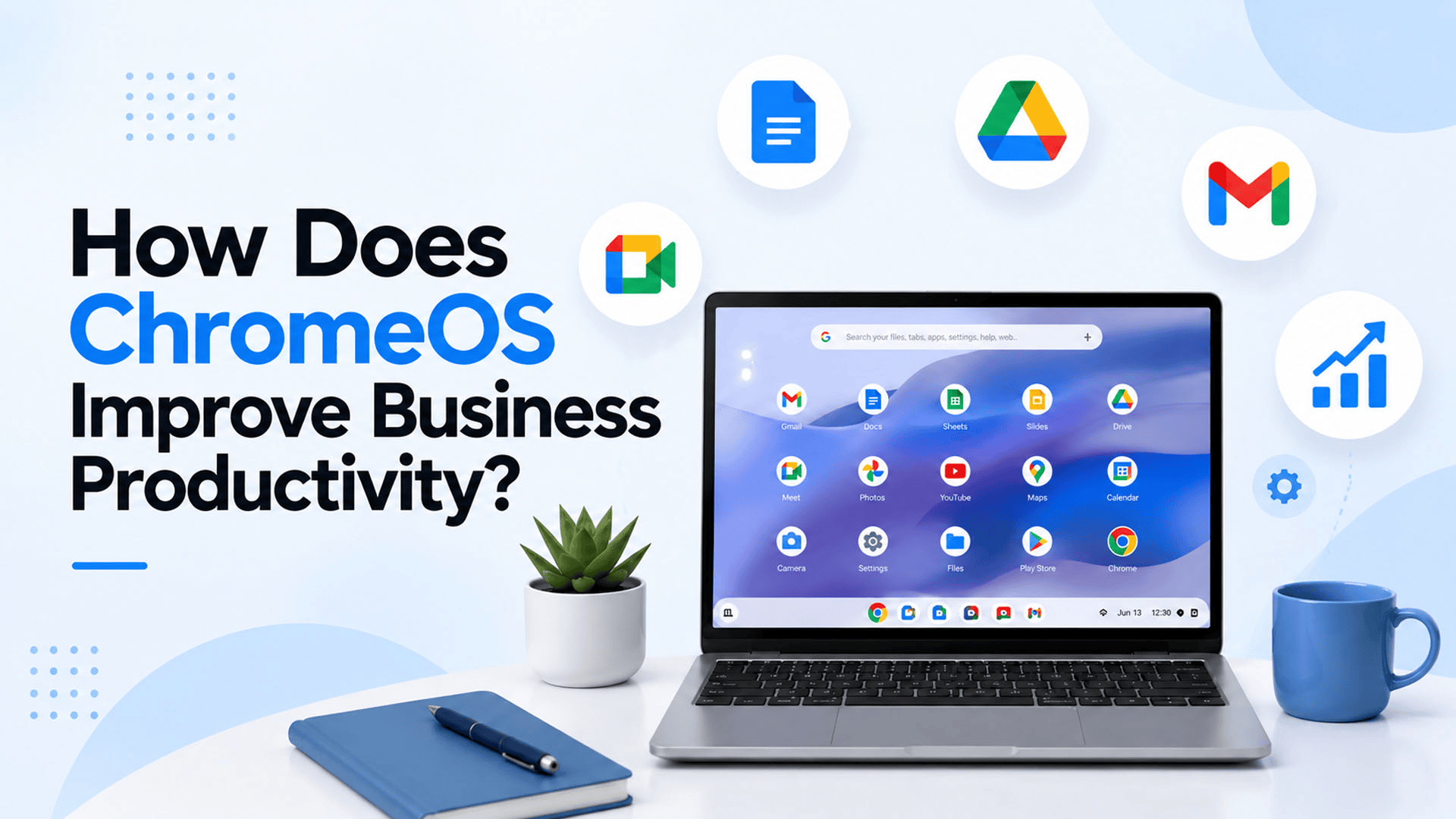
ChromeOS is a cloud based operating system that runs mostly through the browser, with fewer background processes and less system overhead compared to traditional desktop operating systems.
This lighter structure directly affects daily work through:
- Faster startup times
- Fewer system slowdowns over time
- Simpler software management
- Seamless access to cloud based tools
Because ChromeOS was designed around cloud first principles, it naturally supports the way many modern businesses already work, using web based apps and shared online documents rather than heavy installed software.
Why ChromeOS Productivity Benefits Matter for Businesses
Lost productivity often comes from small, repeated frustrations rather than one major issue. A slow boot time, a forgotten update, or a system freeze can each cost only a few minutes, but these minutes add up quickly across an entire team.
ChromeOS Productivity improvements matter because they reduce:
- Time spent waiting for devices to start or restart
- IT support requests related to software issues
- Downtime caused by malware or system errors
- Delays in accessing shared files or collaboration tools
For businesses managing multiple employees, these small time savings translate into meaningful gains across the organization over weeks and months.
How ChromeOS Improves Business Productivity
1. Fast Boot Time Keeps Employees Working Sooner
Fast Boot Time is one of the most noticeable advantages of ChromeOS. Devices typically start up in seconds, allowing employees to begin work almost immediately instead of waiting through long startup processes.
2. Automatic Updates Reduce Downtime
ChromeOS Automatic Updates run quietly in the background without requiring employees to pause their work or manually install patches. This keeps devices running smoothly without unexpected interruptions.
3. Built In Collaboration Tools
ChromeOS Collaboration works smoothly with cloud based platforms, making it easy for teams to share documents, edit files together, and communicate without switching between multiple disconnected tools.
4. Simplified Device Management
For businesses managing several employees, centralized ChromeOS Device Management allows IT teams to configure settings, apply security policies, and manage updates across all devices from one place, saving time compared to managing each device individually.
5. Seamless Google Workspace Integration
Google Workspace Integration allows employees to move directly from email to documents to video calls without delays, creating a smoother workflow for daily communication and collaboration.
ChromeOS Productivity Features at a Glance
| Feature | Productivity Benefit |
| Fast boot and shutdown | Employees spend less time waiting to start work |
| Automatic background updates | Reduces interruptions and manual maintenance |
| Cloud based file access | Enables easy collaboration from any location |
| Centralized device management | Saves IT time when managing multiple devices |
| Long battery life | Supports uninterrupted work throughout the day |
These features work together to reduce the small delays that often go unnoticed but affect overall business efficiency over time.
ChromeOS for Remote and Hybrid Teams
Remote Work Productivity has become a major priority for many businesses, and ChromeOS fits naturally into this shift. Since most work happens through cloud based tools, employees can access their files and applications from home, the office, or while traveling, without needing to sync data manually between devices.
This flexibility supports:
- Consistent access to shared documents across locations
- Easy onboarding for new remote employees
- Reduced dependency on physical office infrastructure
- Simple device replacement if a laptop is lost or damaged, since most data remains in the cloud
For businesses balancing in office and remote work, this consistency reduces confusion and keeps teams aligned regardless of where employees are working from.
Practical Considerations Before Switching to ChromeOS
Before adopting ChromeOS across a team, businesses should review a few practical points:
- Software compatibility: Confirm that essential business tools are available through the browser or cloud
- Team training: While ChromeOS is generally simple, a short orientation period can help employees adjust
- Device management needs: Larger teams may benefit from a Chrome Enterprise upgrade for advanced management features
- Budget planning: Compare the cost of Affordable Business Devices running ChromeOS against traditional laptops to evaluate long term savings
Reviewing these factors helps businesses transition smoothly while minimizing disruption to daily operations.
Business Efficiency Benefits Beyond Speed
While speed is a clear advantage, Business Efficiency Tools built into ChromeOS extend beyond just fast performance.
- Lower maintenance costs: Fewer technical issues mean less time and money spent on repairs or troubleshooting
- Consistent performance over time: Devices tend to stay fast even after years of use, unlike systems that slow down significantly
- Simplified onboarding: New employees can start using their devices quickly with minimal setup
- Reduced security related downtime: Strong built in protections mean fewer disruptions caused by malware or security incidents
Together, these benefits create an environment where employees spend more time on actual work and less time managing their devices.
Why Choose SpixHost for ChromeOS in Business?
Improving productivity with ChromeOS depends on proper setup and ongoing support, not just the devices themselves. SpixHost helps businesses evaluate whether ChromeOS fits their workflow, then manages setup, account configuration, and ongoing support to keep devices running smoothly.
For businesses in Pakistan, SpixHost provides ChromeOS for Business at affordable and discounted prices, along with Google Workspace, Zoho Workplace, Microsoft 365, hosting, domains, software development, MVP development, and data migration services. This allows businesses to manage their devices, productivity tools, and other digital needs through one dependable provider.
In the end, ChromeOS improves business productivity by removing many of the small frictions that slow teams down, from long startup times to constant manual updates. For businesses looking for a faster, simpler, and more reliable way to work, ChromeOS offers a practical path forward.
Frequently Asked Questions
1. Does ChromeOS work well for teams that rely heavily on video calls? Yes. ChromeOS supports smooth video conferencing through cloud based tools like Google Meet, making it suitable for remote and hybrid collaboration.
2. Do employees need special training to use ChromeOS? Most employees adjust quickly since the interface is simple, though a short orientation can help teams get comfortable with cloud based workflows.
3. Can ChromeOS handle businesses with many employees? Yes. With centralized device management tools, businesses can manage large numbers of ChromeOS devices efficiently from one place.
4. Does ChromeOS reduce IT support workload? Yes. Automatic updates and built in security features typically reduce the number of technical issues that require IT intervention.
5. Does SpixHost offer ChromeOS setup for businesses in Pakistan? Yes. SpixHost provides ChromeOS for Business at discounted prices in Pakistan, along with setup support and related digital solutions.