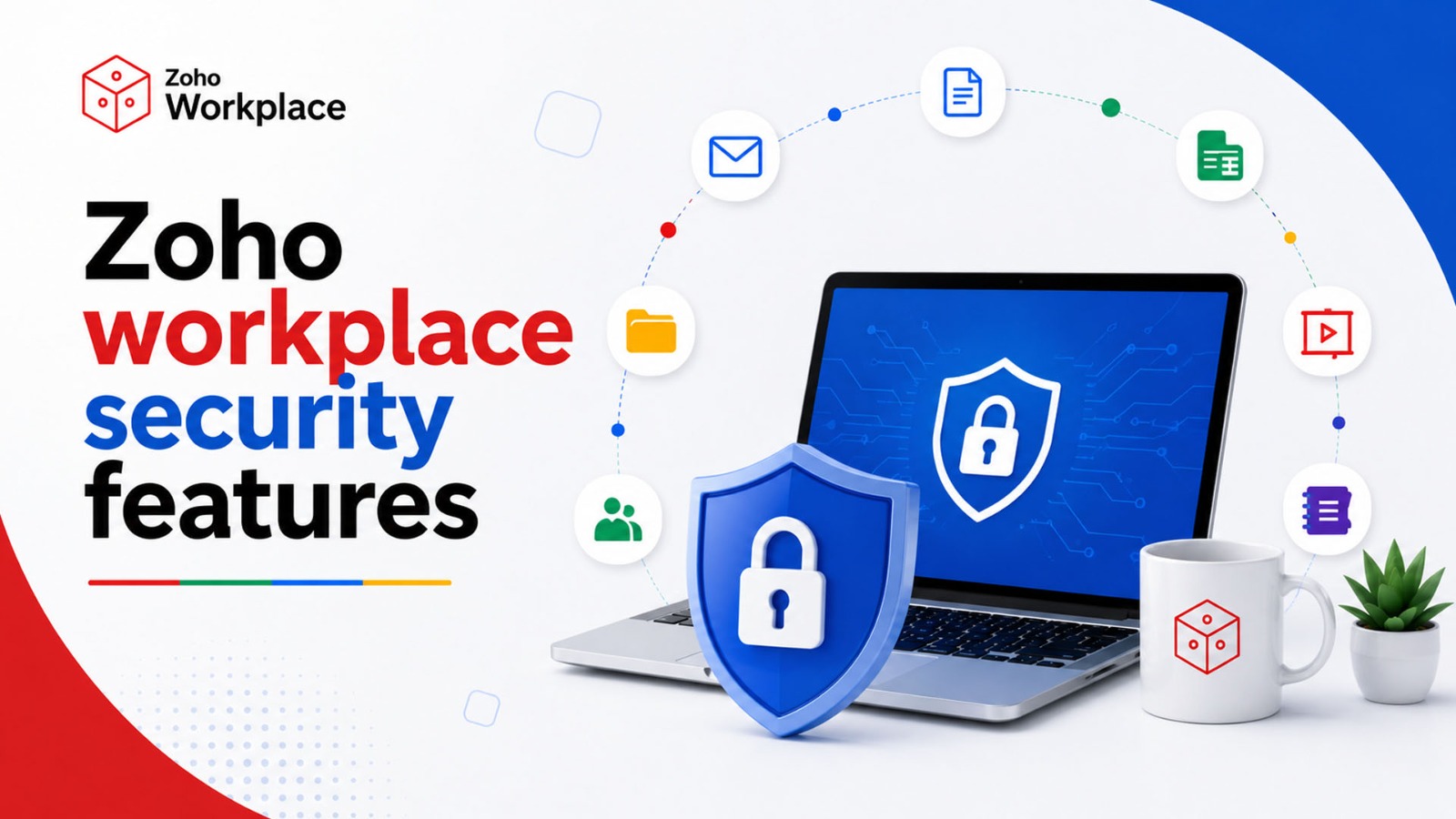
One security mistake can put years of customer trust at risk. A stolen password, exposed file, or leaked email can affect a business far beyond the original incident. That is why data security should be one of the first things businesses consider when choosing a workplace platform.
Zoho Workplace brings business email, file storage, documents, meetings, chat, and office apps together in one platform. But when so much business information is stored in one place, an important question comes up:
How secure is Zoho Workplace for business data?
The answer is that Zoho provides several layers of protection, including encryption, multi-factor authentication, access controls, data loss prevention, backup, and security management. Still, no platform can remove every risk. Businesses also need strong passwords, careful access settings, employee training, and regular security checks.
For businesses looking for a secure and simple workplace setup, SpixHost offers Zoho Workplace plans with features such as custom business email, migration assistance, mobile and desktop apps, identity management, and multi-factor authentication. Let’s look at how these security features help protect business data.
What Security Features Does Zoho Workplace Offer?
Zoho Workplace uses multiple security controls to protect business accounts, files, emails, and other information. These features work together to create several layers of protection.
1. Encryption Protects Business Information
Encryption changes readable information into protected data that cannot be easily understood without the correct key.
Zoho says WorkDrive encrypts files at rest using 256-bit AES encryption. It also uses TLS and Perfect Forward Secrecy to protect data while it is being transferred.
This matters when employees upload contracts, financial reports, customer records, or other confidential documents. Encryption helps protect information both when it is stored and when it moves between users and the service.
2. MFA Adds Another Layer of Account Protection
A password alone may not be enough. Passwords can be stolen, reused, or exposed through phishing.
Multi-factor authentication (MFA) adds another verification step after the password. Zoho provides MFA through its identity and authentication tools, giving businesses an additional layer of account protection.
Businesses should enable MFA for all users, especially administrators and employees who handle sensitive information.
3. Access Controls Limit Who Can See Files
Not every employee needs access to every company file.
Zoho WorkDrive supports roles and granular access permissions. Administrators can control who can view, edit, or share files. External sharing can also be managed using options such as passwords, expiration dates, and sharing restrictions.
This follows a basic security principle: give users only the access they need to do their jobs.
For example, the finance team may need access to financial documents, while the marketing team may only need campaign files.
4. Data Loss Prevention Helps Reduce Accidental Leaks
A data leak does not always involve a hacker. An employee could accidentally download, copy, print, or share a confidential document.
Zoho WorkDrive's Data Loss Prevention (DLP) can identify sensitive information and apply rules that restrict actions such as external sharing, downloading, copying, or printing. DLP is available on supported plans.
For businesses handling customer records, financial data, or confidential documents, this can provide an additional layer of protection.
5. Backup and Recovery Help Protect Against Data Loss
Security is also about recovery. If an important file is deleted or a system problem occurs, businesses need a way to recover their information.
Zoho says WorkDrive performs daily incremental backups and weekly full backups, with data replicated across data centers. WorkDrive also provides retention and recovery options for deleted files.
These features can reduce the impact of accidental deletion and certain system failures. Businesses should still create their own recovery plan and review the retention options available in their selected plan.
6. Device Management Supports Remote Work
Employees often access business information from laptops and smartphones outside the office. A lost or stolen device can therefore become a security risk.
WorkDrive provides device management features that allow administrators to view connected devices and, where supported, disconnect devices or remotely wipe offline files.
This can be especially useful for remote and hybrid teams that regularly work outside the office.
7. Activity Reports Improve Security Visibility
Security teams need to know what is happening inside their systems.
Zoho WorkDrive provides activity reports, notifications, and audit-related controls. Administrators can monitor file activity and review actions performed within the organization.
This can help businesses investigate unusual activity and maintain better control over important files.
8. Business Email Security Depends on the Plan
Business email can contain contracts, invoices, customer details, and private conversations, so email security is just as important as file security.
Zoho Mail offers different security and compliance features depending on the plan. Mail Premium, for example, includes email retention, eDiscovery, S/MIME, mobile access management, and Mail Data Loss Prevention.
Businesses should therefore compare plans based on their actual security requirements rather than choosing one only because it provides more storage.
What Do Zoho's Security Certifications Mean?
Zoho lists ISO/IEC 27001 and SOC 2 Type II among WorkDrive's security standards.
But what do these certifications actually tell a business?
ISO/IEC 27001 focuses on an organization's information security management system. It shows that formal security processes and controls are in place.
SOC 2 Type II evaluates controls over a period of time against defined trust principles. It provides evidence that controls are designed and operating as assessed.
These certifications are useful trust signals, but they do not mean that your business can never suffer a security incident. Businesses with specific compliance requirements should also check the exact certification scope and whether it applies to the service and region they plan to use.
Has Zoho Ever Had Security Problems?
It is important to separate Zoho Workplace from other Zoho products.
Zoho's ManageEngine products have previously faced serious security vulnerabilities. For example, attackers exploited a critical ManageEngine ADSelfService Plus vulnerability in 2021, and the flaw was linked to attacks against organizations including the International Committee of the Red Cross.
This incident involved a Zoho enterprise management product, not evidence of a breach of Zoho Workplace's cloud storage.
The wider lesson is important: even established technology providers can have vulnerabilities. Businesses should therefore keep connected software updated, monitor security notices, and use strong account protection.
Zoho Workplace vs Google Workspace and Microsoft 365
Zoho Workplace is competing with established platforms such as Google Workspace and Microsoft 365, both of which also offer strong security controls.
Google Workspace provides features such as two-step verification, threat protection, and client-side encryption for supported editions.
Microsoft 365 provides MFA through Microsoft Entra and encryption options for its services.
The best choice depends on your business. Zoho can be attractive if you want an integrated productivity suite with flexible plans. Google or Microsoft may make more sense if your business already depends heavily on their wider ecosystems.
The important thing is to compare security controls, compliance needs, integrations, administration, storage, and cost instead of choosing a platform based only on its security claims.
Which Zoho Workplace Plan Is Best for Security?
There is no single best plan for every business. Current annual pricing and key features listed by Zoho include:
| Plan | Annual Price | Key Security and Storage Features |
| Mail Lite | $1 or $1.25/user/month | Custom email, identity management and MFA |
| Mail Premium | $4/user/month | 50 GB mail, retention, eDiscovery, S/MIME, mobile access management and Mail DLP |
| Workplace Standard | $3/user/month | Email, WorkDrive, MFA, identity management and collaboration tools |
| Workplace Professional | $6/user/month | 100 GB mail, 1 TB team storage, retention, eDiscovery, S/MIME, DLP and wider Workplace tools |
Which Zoho Workplace Plan Is Best for Security?
The right plan depends on your business size, security needs, storage requirements, and the tools your team uses.
Mail Lite can work well for businesses that mainly need professional email with basic security and MFA. Mail Premium is more suitable for businesses that need advanced email security features such as retention, eDiscovery, S/MIME, and Data Loss Prevention.
Businesses that need email, cloud storage, documents, chat, and meetings in one platform can consider Workplace Standard or Professional. Before purchasing, always check the latest pricing and features because plans can change.
How Can You Make Zoho Workplace More Secure?
Zoho provides several security features, but businesses also need to use them correctly. Follow these simple practices:
- Enable MFA for all users
- Use strong and unique passwords
- Review administrator accounts regularly
- Give users only the access they need
- Limit external file sharing
- Set expiration dates for sensitive links
- Use DLP where available
- Remove access when employees leave
- Review connected devices
- Train employees about phishing
- Keep devices and software updated
- Test your data recovery process
These steps can help reduce common security risks and make your workplace safer.
Why Choose SpixHost?
Managing a business workplace should be simple. SpixHost provides Zoho Workplace options for different team sizes and business requirements, helping businesses bring email, storage, collaboration, and security into one connected environment.
Available options include:
- Professional custom email
- Migration assistance
- Mobile and desktop apps
- Identity management and MFA
- Email retention and eDiscovery
- S/MIME
- Mail Data Loss Prevention on eligible plans
The right plan depends on your team's users, storage, data, and security requirements. With proper configuration and responsible security practices, Zoho Workplace can provide a secure and practical foundation for modern businesses.
Frequently Asked Questions
1. Is Zoho Workplace secure for business data?
Yes. It provides encryption, MFA, access controls, backup, and other security features to protect business data.
2. Does Zoho Workplace use encryption?
Yes. Zoho WorkDrive uses 256-bit AES encryption for stored files and TLS-based protection during data transfer.
3. Does Zoho Workplace support MFA?
Yes. Businesses can use MFA methods such as OneAuth, authenticator codes, and security keys.
4. Can Zoho Workplace help prevent data loss?
Yes. Depending on the plan, businesses can use DLP, access controls, backup, retention, and recovery features to reduce data loss risks.