Security is one of the biggest concerns for any business choosing new devices or operating systems. A single security gap can lead to data loss, downtime, or damaged customer trust, which makes the decision far more important than just picking whichever device looks good or costs less.
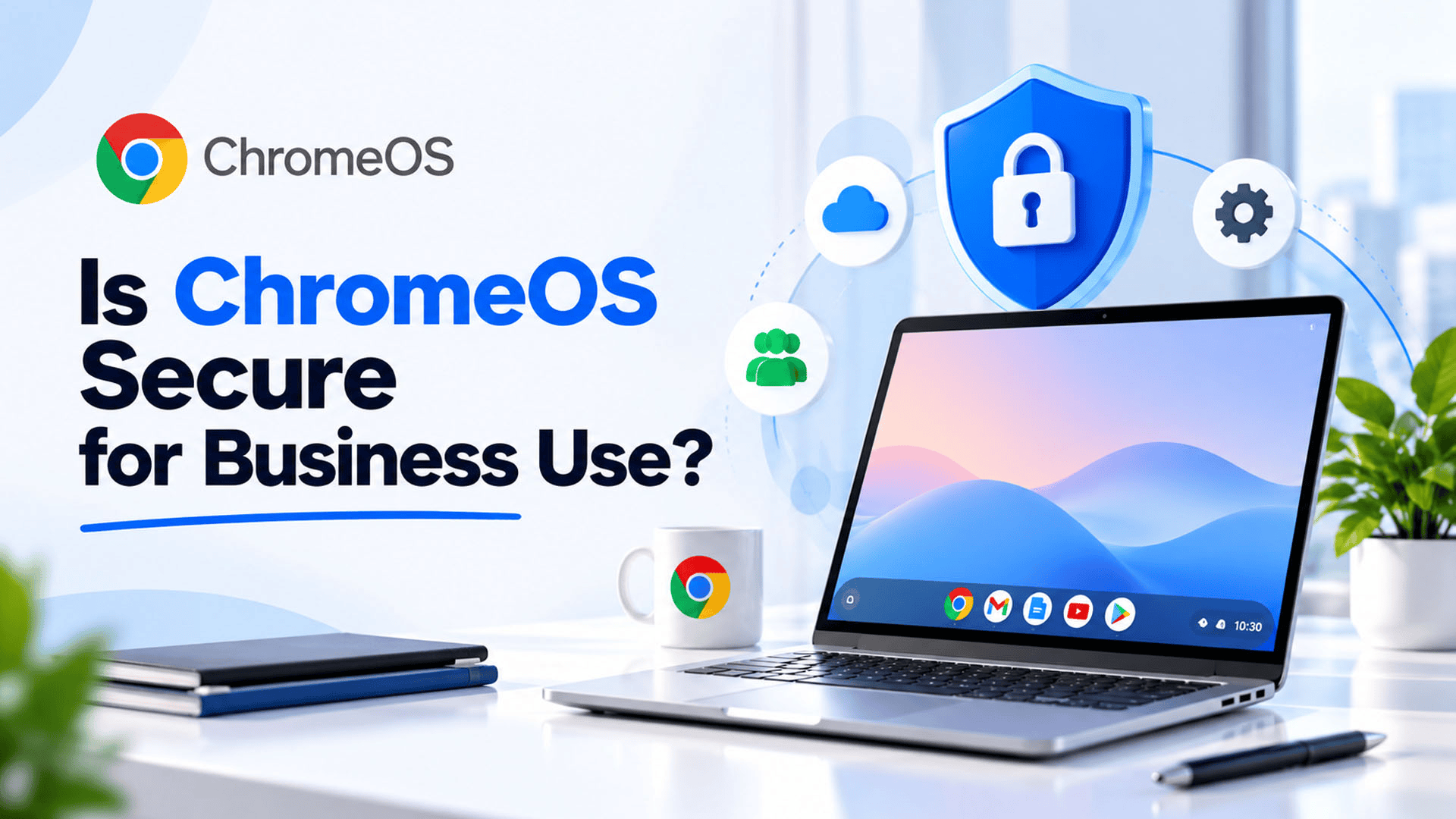
This is why businesses evaluating ChromeOS often ask a direct question: is it actually secure enough for daily business use, or is it better suited to personal or educational use only? Understanding how ChromeOS Security works helps businesses make an informed decision instead of relying on assumptions.
Many people still think of Chromebooks as simple, budget friendly laptops meant mostly for browsing or basic tasks. In reality, the security model behind ChromeOS was built with strong protections in mind, and many businesses now use it specifically because of how secure and low maintenance it is.
This is exactly the kind of decision where the right guidance matters. For businesses in Pakistan, SpixHost provides ChromeOS for Business at affordable and discounted prices, along with Google Workspace, Zoho Workplace, Microsoft 365, hosting, domains, software development, MVP development, and data migration services, helping businesses choose secure and reliable technology without confusion.
What Makes ChromeOS Different From Other Operating Systems?
ChromeOS is a cloud based operating system developed by Google, designed to run mostly through web applications rather than traditional installed software. This structure alone changes how security works compared to older operating systems.
Key characteristics of a Cloud Based Operating System like ChromeOS include:
- Most apps run through the browser rather than being installed locally
- Data is often stored and backed up in the cloud
- The system receives frequent, automatic security updates
- Devices are generally lightweight and fast to set up
Because ChromeOS was built around this cloud first approach from the beginning, many of its security advantages come from design choices rather than added extra software.
Why Does ChromeOS Security Matter for Businesses?
Businesses handle sensitive information every day, from customer data to financial records. If a device or operating system has weak security, it becomes an easy target for cyber threats.
ChromeOS Business Security matters because it directly affects:
- Protection against malware and viruses
- Safety of company data stored on the device
- Consistency of security across multiple employee devices
- Reduced need for constant manual security management
For businesses managing several employees or remote teams, having a reliable security foundation across all devices reduces both risk and the workload on internal IT staff.
How ChromeOS Protects Business Devices
1. Sandboxing for Each Application
ChromeOS Sandboxing means each browser tab and application runs in its own isolated environment. If one tab encounters malicious content, it is contained and does not spread to the rest of the system.
2. Automatic and Frequent Updates
ChromeOS Automatic Updates happen in the background without requiring employees to manually install patches. This ensures devices are always running the latest security protections without relying on staff to remember updates.
3. Verified Boot Process
Every time a ChromeOS device starts, it automatically checks that the system has not been tampered with. If anything looks unusual, the device can repair itself using a clean, verified copy of the operating system.
4. Limited Local Data Storage
Since most files and apps run through the cloud, there is less sensitive data stored directly on the device. This reduces the impact if a device is lost or stolen, since much of the important data remains protected in the cloud.
5. Built In Malware Resistance
ChromeOS Malware Protection benefits from the system's closed design, which makes it more difficult for traditional malware, built for other operating systems, to run effectively on Chrome devices.
ChromeOS Security Features at a Glance
| Security Feature | What It Does |
| Sandboxing | Isolates each app or tab to prevent threats from spreading |
| Automatic updates | Keeps devices protected without manual effort |
| Verified boot | Detects and repairs tampering during startup |
| Cloud based storage | Reduces sensitive data stored locally on the device |
| Data encryption | Protects stored data from unauthorized access |
These features work together, which is why Business Security Chrome OS setups are often considered lower maintenance compared to traditional systems that require separate antivirus software and manual patch management.
Is ChromeOS Suitable for Every Business?
While ChromeOS offers strong built in security, it is not automatically the right fit for every business. Companies that rely heavily on specific desktop software not available through the browser may need to evaluate compatibility first.
However, for businesses that primarily use:
- Web based tools and cloud applications
- Google Workspace or similar productivity platforms
- Customer service, sales, or administrative tasks
- Remote or hybrid work setups
Chromebook for Business use often fits smoothly into daily operations, especially when combined with proper account management and access controls.
Practical Considerations Before Choosing ChromeOS for Business
Before switching to ChromeOS across a team, businesses should think through a few practical points:
- Software compatibility: Confirm that essential business tools work through the browser or cloud
- Employee training: While ChromeOS is generally simple to use, some staff may need a short adjustment period
- Device management: Larger teams benefit from centralized management tools for Secure Business Devices
- Upgrade options: Businesses needing advanced admin controls may consider a Chrome Enterprise Upgrade for additional management features
Reviewing these factors helps businesses transition smoothly without disrupting daily operations.
Benefits of Choosing ChromeOS for Business Security
- Lower maintenance: Automatic updates reduce the burden on internal IT teams
- Strong baseline protection: Sandboxing and verified boot add multiple layers of defense
- Cost efficiency: Chrome devices are often more affordable than traditional business laptops
- Simplified management: Centralized admin tools make it easier to manage multiple devices
- Cloud first design: Reduces the risk associated with local data loss or device theft
For businesses looking for a secure, low maintenance option, ChromeOS Enterprise solutions offer a practical balance between security and simplicity.
Why Choose SpixHost for ChromeOS in Business?
Choosing the right operating system and security setup requires more than just picking a device. SpixHost helps businesses evaluate whether ChromeOS fits their workflow, then handles setup, account management, and ongoing support to keep devices secure and properly configured.
For businesses in Pakistan, SpixHost provides ChromeOS for Business at affordable and discounted prices, along with Google Workspace, Zoho Workplace, Microsoft 365, hosting, domains, software development, MVP development, and data migration services. This allows businesses to manage their devices, productivity tools, and other digital needs through one dependable provider.
In the end, ChromeOS was built with security as a core part of its design, not an added feature. For businesses that rely on cloud based tools and want a low maintenance, secure device option, ChromeOS offers a practical and reliable choice for daily business use.
Frequently Asked Questions
1. Can ChromeOS get viruses like other operating systems?
ChromeOS is highly resistant to traditional malware due to its sandboxing and closed system design, though no system is completely immune to all risks.
2. Do Chromebooks need separate antivirus software?
Most businesses do not need additional antivirus software, since ChromeOS includes built in protections like sandboxing and automatic updates.
3. Is ChromeOS good for businesses that use Microsoft Office?
Yes, as long as the business uses browser based versions of Office tools or cloud alternatives, since ChromeOS is not designed for installing traditional desktop software.
4. What is Chrome Enterprise Upgrade used for?
It provides advanced device management features for businesses that need more control over multiple ChromeOS devices across their team.
5. Does SpixHost offer ChromeOS setup for businesses in Pakistan?
Yes. SpixHost provides ChromeOS for Business at discounted prices in Pakistan, along with setup support and related digital solutions.