What if your business could manage email, documents, files, meetings, and team communication from one connected workplace? Instead of switching between multiple platforms throughout the day, businesses can use an integrated productivity suite to keep everyday work organized and accessible.
That is where Zoho Workplace comes in. It is a cloud-based business productivity and collaboration suite that brings essential workplace tools together. From professional email and cloud storage to document creation, team messaging, and online meetings, it is designed to support modern businesses and distributed teams.
But what exactly does Zoho Workplace offer, and which features make it useful for businesses? Understanding its tools can help you decide whether it matches your team's communication, collaboration, and productivity needs.
For businesses looking for a complete workplace solution, SpixHost can help simplify the process of exploring and setting up Zoho Workplace according to their business requirements. Now, let's look at the key features that make Zoho Workplace a practical option for modern organizations.
What Is Zoho Workplace?
Zoho Workplace is a suite of cloud applications built for business productivity and collaboration. Instead of using separate services for email, documents, file management, chat, and online meetings, teams can access connected applications through one workplace environment.
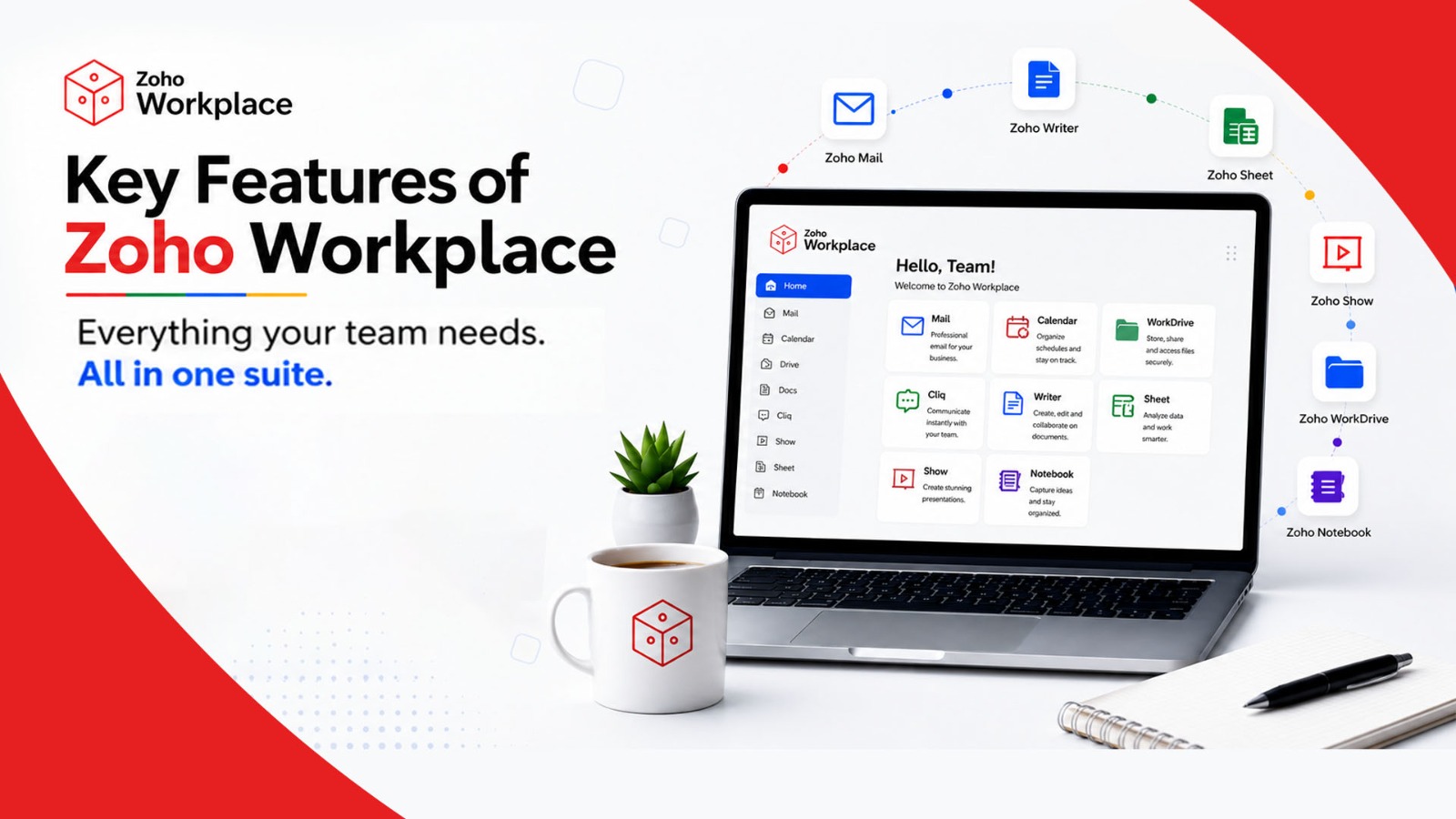
Zoho organizes Workplace around three main groups: the Office Suite, Collaboration Suite, and Mail Suite. These include applications such as Zoho Writer, Sheet, Show, WorkDrive, Meeting, Mail, Cliq, and Connect, with the exact features and applications depending on the selected plan.
The basic idea is simple: give employees one environment where they can communicate, create content, manage files, collaborate, and work across different devices.
Key Features of Zoho Workplace
Zoho Workplace brings essential business tools together in one connected workspace. From professional email and cloud storage to team communication and security, its features are designed to help businesses work faster, collaborate better, and keep information organized.
1. Professional Business Email With Zoho Mail
Zoho Mail lets businesses create professional email addresses using their own domain, such as [email protected].
Key benefits include:
- Custom business email addresses
- Email groups and shared mailboxes
- Shared folders and email organization
- Mobile access
- Business-focused administration
This helps businesses maintain a professional brand image while keeping communication organized.
2. Collaborative Documents With Zoho Writer
Need to create proposals, reports, contracts, or business documents? Zoho Writer provides tools for creating and editing documents online.
Its collaboration features allow multiple users to:
- Edit documents in real time
- Add comments and suggestions
- Use ready-made templates
- Automate document workflows
- Work on documents offline
This makes teamwork easier, especially for remote and hybrid teams.
3. Spreadsheets With Zoho Sheet
Zoho Sheet helps businesses organize and analyze data in spreadsheets. It can be used for budgets, sales reports, inventory, project tracking, and more.
Users can work with:
- Formulas and functions
- Charts and data analysis
- Shared spreadsheets
- Real-time collaboration
Instead of keeping multiple versions of the same spreadsheet, teams can work from a shared, updated file.
4. Presentations With Zoho Show
Zoho Show helps teams create professional presentations for sales pitches, training, meetings, and business proposals.
It supports:
- Templates and layouts
- Animations and media
- Team collaboration
- Comments and feedback
- Online presentation sharing
This allows teams to create and present ideas collaboratively.
5. Cloud Storage With Zoho WorkDrive
Zoho WorkDrive provides cloud storage for business files and team collaboration.
Its useful features include:
- Team Folders for shared work
- File and folder organization
- Access controls
- File sharing
- Collaborative workspaces
For example, marketing teams can store campaign files together while finance teams can keep sensitive documents in restricted folders.
6. Team Communication With Zoho Cliq
Zoho Cliq makes internal communication easier through direct messages, group chats, and dedicated channels.
Teams can use it for:
- Project discussions
- Department channels
- File sharing
- Audio and video calls
- Task-related conversations
This can reduce unnecessary emails and keep project discussions in one place.
7. Online Meetings With Zoho Meeting
With Zoho Meeting, businesses can conduct online meetings, client calls, presentations, and remote discussions.
It helps teams stay connected through audio and video conferencing, while its integration with other Workplace tools supports a smoother workflow.
8. Calendar and Task Management
Zoho Workplace also helps teams manage schedules, events, and tasks.
Calendar can be used for appointments and shared events, while task management tools help teams track:
- What needs to be done
- Who is responsible
- When it is due
This keeps daily work more organized.
9. Centralized Workplace Dashboard
The Workplace dashboard brings different applications and updates together in one place. Users can access tools, notifications, emails, chats, and other workplace information without constantly switching between platforms.
This creates a more connected and convenient user experience.
10. Mobile and Desktop Access
Work doesn't always happen in the office. Zoho Workplace supports access across mobile devices and desktops, allowing employees to check emails, access files, communicate with colleagues, and participate in meetings from different locations.
This is particularly useful for remote, hybrid, and traveling teams.
11. Security and Administrative Controls
Business data needs strong protection. Zoho Workplace provides security and administration features such as:
- Multi-factor authentication
- Role-based access
- Identity and user management
- Administrative controls
- Email retention and eDiscovery
- Data loss prevention options
The exact security features depend on the selected plan, so businesses should review the available controls before choosing a subscription.
Why Are Zoho Workplace Features Important for Businesses?
The biggest advantage of Zoho Workplace is not necessarily one individual application. It is the way different applications can work together.
A typical workflow could look like this:
Customer email → team discussion → document creation → file storage → presentation or meeting → task management
For example, a customer request can arrive through Zoho Mail. The team can discuss it through Cliq, create a proposal in Writer, store supporting files in WorkDrive, present the proposal through Show or Meeting, and manage follow-up tasks through ToDo.
This connected approach can reduce unnecessary application switching and make information easier to locate.
Zoho Workplace vs. Using Separate Tools
Businesses can create their digital workplace by combining different services for email, cloud storage, documents, messaging, and video meetings. This approach can work, but it may also create fragmented workflows.
Zoho Workplace takes a suite-based approach, bringing multiple productivity and collaboration applications into one ecosystem.
The better option depends on factors such as company size, existing software, budget, migration requirements, security needs, integrations, and employee preferences.
Businesses already using another productivity suite should compare features, storage, administration, integrations, and total cost before making a switch.
Who Should Consider Zoho Workplace?
Zoho Workplace can be a suitable option for:
- Small and growing businesses
- Startups
- Agencies
- Remote and hybrid teams
- Distributed organizations
- Businesses that need professional email and collaboration tools
- Teams looking to reduce the number of separate workplace applications
However, no productivity platform is automatically the right choice for every organization. Businesses should evaluate their email requirements, storage needs, collaboration habits, security expectations, integrations, and budget before subscribing.
How to Choose the Right Zoho Workplace Plan
Zoho currently offers Workplace Standard, Workplace Professional, and Enterprise options, with differences in storage, features, administration, and capabilities.
For example, Zoho currently lists 30 GB of mail storage per user and 100 GB of team storage for Workplace Standard, while Workplace Professional lists 100 GB of mail storage per user and 1 TB of team storage. These details can change, so businesses should verify current pricing and limits before purchasing.
Before choosing a plan, ask:
- How much email storage does each user need?
- How much shared file storage will the business require?
- Does the organization need advanced security features?
- How many employees will use the platform?
- Which collaboration and meeting features are required?
- What applications does the business already use?
- Will the team need help with migration and setup?
Why Choose SpixHost?
Choosing and configuring a business productivity suite can be easier when you have a provider that understands your business requirements. SpixHost can help businesses explore Zoho Workplace as part of their digital workplace setup, from selecting suitable services to preparing the environment for professional use.
The goal should not simply be to purchase more software. It should be to create a reliable digital workplace where employees can communicate, collaborate, store information, and complete daily tasks efficiently.
Frequently Asked Questions
1. What is Zoho Workplace mainly used for?
Zoho Workplace is used for business email, file management, communication, and team collaboration.
2. What apps are included in Zoho Workplace?
It includes Zoho Mail, Writer, Sheet, Show, WorkDrive, Cliq, Meeting, and Connect.
3. Is Zoho Workplace suitable for small businesses?
Yes. It offers essential email and collaboration tools for small and growing businesses.
4. Does Zoho Workplace work on mobile devices?
Yes. Several Zoho Workplace apps are available on mobile devices for work on the go.