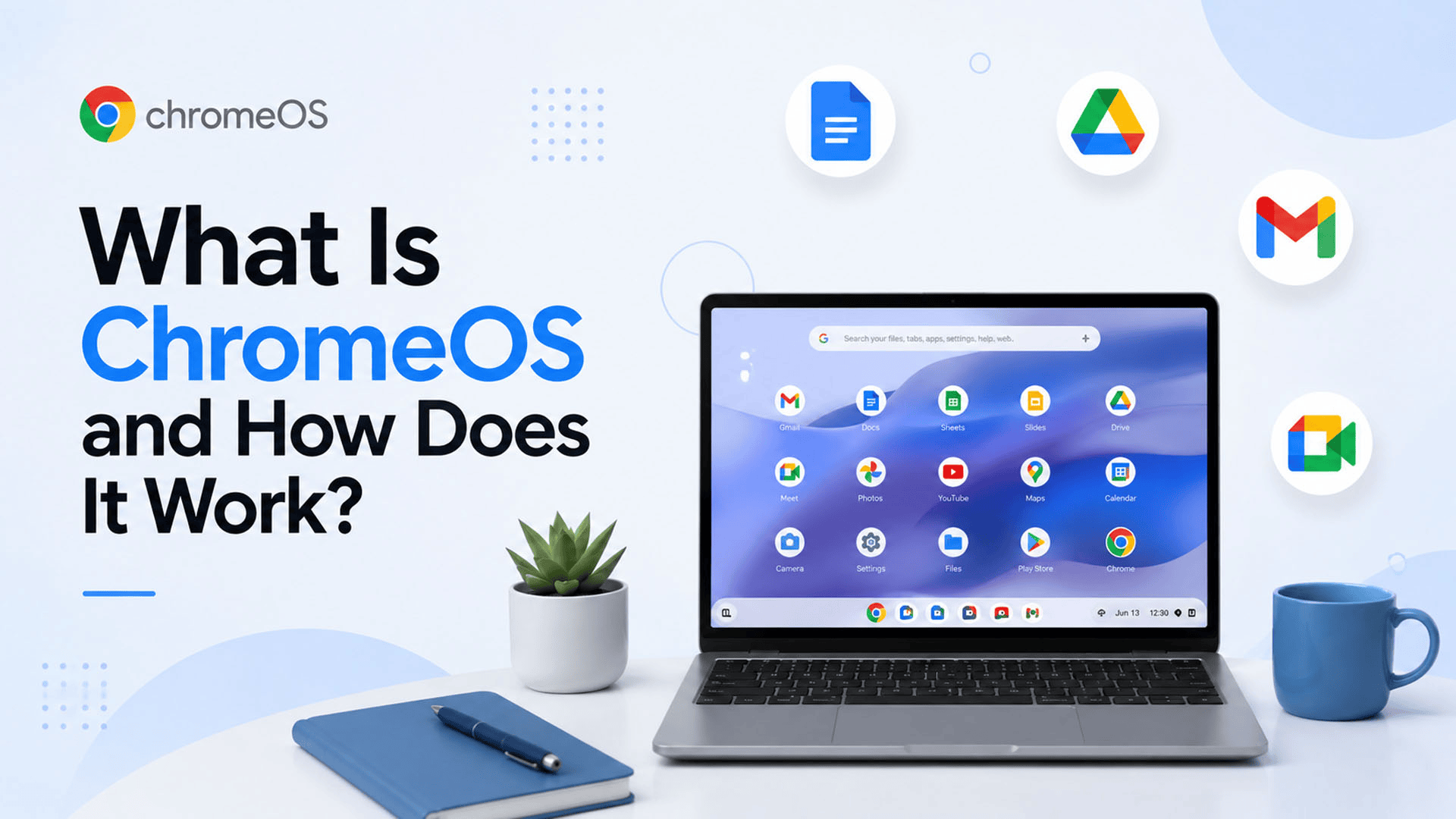
Imagine turning on a laptop and getting to work within seconds, without spending time managing complicated software, updates, or storage. That simple idea is at the heart of ChromeOS.
In a world where businesses increasingly depend on cloud applications, online meetings, shared documents, and web-based tools, a traditional desktop setup is not always necessary. Many users now need a computer that is fast, simple, secure, and easy to manage.
ChromeOS is Google's operating system designed around this modern way of working. It powers Chromebooks and other ChromeOS devices and puts the Chrome browser and web-based work at the center of the experience.
For businesses in Pakistan, SpixHost also offers Chrome OS along with services such as Google Workspace, Microsoft 365, Zoho Workplace, hosting, domains, development, and data migration at competitive and discounted prices, helping businesses manage their digital needs through one provider.
What Is ChromeOS?
ChromeOS is an operating system developed by Google for computers such as Chromebooks. An operating system controls the basic functions of a computer and provides the environment where applications and other services run.
Unlike traditional operating systems that often focus heavily on locally installed desktop software, Google ChromeOS is designed with the web and cloud services at its core.
This means users can access many of the tools they need directly through a browser. Depending on the device and setup, ChromeOS can also support Android applications and Linux applications.
The result is a lightweight computing environment that focuses on simplicity, speed, security, and cloud-based work.
How Does ChromeOS Work?
The easiest way to understand how Chrome OS works is to think of it as a computer platform built around online services.
When you start a compatible device, ChromeOS loads the operating system and provides access to the desktop, settings, files, applications, and Chrome browser.
Much of the everyday work can happen online. For example, users can open Google Docs to create documents, Gmail for email, Google Drive for files, and other web applications without installing traditional desktop versions.
ChromeOS can also work with applications beyond the browser. Supported Chromebooks can run Android apps through Google Play, while compatible devices can also use Linux development environments.
This makes ChromeOS more flexible than simply being a device for browsing websites.
What Are the Main ChromeOS Features?
The popularity of ChromeOS comes from a combination of simple design and useful features.
1. Simple and Easy-to-Use Interface
One of the biggest ChromeOS Features is its simple interface. Users can access applications, files, settings, and the browser without dealing with a complicated desktop environment.
This can make ChromeOS easier for new users to understand, especially in schools, offices, and businesses where many employees may use the same type of device.
2. Fast Startup and Performance
ChromeOS is designed to provide a quick and simple computing experience. Chromebooks generally focus on essential tasks rather than running large numbers of demanding desktop programs.
This makes them suitable for everyday activities such as:
- Browsing websites
- Checking email
- Creating documents
- Joining online meetings
- Managing cloud files
- Using business applications
- Communicating with team members
3. Cloud-Based Work
Cloud computing is a major part of the ChromeOS experience.
Users can work with cloud-based services such as Google Drive, Google Docs, Gmail, and other web applications. This can reduce the need to store everything locally on the computer.
For businesses already using cloud platforms, this approach can make it easier for employees to access their work from different devices.
4. Android App Support
Some Chromebooks support Android applications through the Google Play Store. This gives users access to a wider range of applications beyond traditional web apps.
However, Android app availability can vary between Chromebook models, so businesses should check device compatibility before purchasing hardware.
5. Linux Support
Compatible ChromeOS devices can also provide a Linux development environment.
This is particularly useful for developers who need programming tools, command-line applications, or Linux-based development workflows. Google states that Linux applications run inside a sandbox designed to limit their impact on the rest of the Chromebook.
This means ChromeOS is not limited to basic browsing and office work.
Is ChromeOS Secure?
Security is one of the important reasons businesses consider ChromeOS.
ChromeOS Security is designed around several layers of protection. Google provides automatic software updates, and supported Chromebooks regularly receive security improvements.
ChromeOS also uses verified boot technology. If the system detects that important software has been changed or damaged, the device can detect the problem and recover the system.
However, no operating system can remove every security risk. Businesses still need strong passwords, account protection, appropriate access controls, employee security training, and good data management practices.
The device's update support also matters. Google says current Chromebook models receive automatic updates for up to 10 years, depending on the device's release and update policy. Businesses should check the specific device's update schedule before purchasing it.
What Are the Benefits of ChromeOS for Businesses?
The Benefits of ChromeOS for Businesses go beyond simple browsing. Its cloud-focused approach can be useful for companies that want simpler devices and easier management.
Lower Hardware and Management Complexity
Businesses can use Chromebooks for common tasks without requiring powerful hardware for every employee.
This can help organizations keep their device setup simple, especially when employees mainly use browser-based applications.
Easy Access to Cloud Tools
Employees can access email, documents, storage, meetings, and other cloud services from their devices.
For businesses already using Google Workspace or other web-based platforms, ChromeOS can fit naturally into existing workflows.
Useful for Remote and Hybrid Teams
Employees may work from offices, homes, client locations, or while traveling.
Because much of the ChromeOS experience is connected to cloud services, users can access their work from supported devices and continue working across different locations.
Easier Device Management
For organizations managing many computers, keeping devices updated and secure can become a major task.
ChromeOS is designed around automatic updates and centralized management options, which can help businesses manage devices more efficiently when properly configured.
How Does ChromeOS Differ From Windows?
A common question is how ChromeOS compares with Windows.
Both are operating systems, but they are designed with different priorities.
| Feature | ChromeOS | Windows |
| Main focus | Cloud and web-based work | Broad desktop computing |
| Common devices | Chromebooks | PCs and laptops |
| Web applications | Strong focus | Supported |
| Android apps | Supported on compatible devices | Limited compared with ChromeOS |
| Linux | Supported on compatible devices | Available through supported tools |
| Ease of management | Designed for simple cloud-based management | Can require more traditional management |
| Heavy desktop software | More limited | Wider support |
| Best suited for | Web, cloud, education, and everyday business work | Broad software and professional desktop use |
The right choice depends on what your business actually needs.
If employees mainly use browsers, cloud storage, online documents, communication tools, and web applications, ChromeOS can be a practical choice.
If employees depend on specialized desktop software that does not support ChromeOS, Windows may be more appropriate.
Is ChromeOS Good for Business Users?
Yes, ChromeOS Features for Business Users can make it a practical option for many organizations.
It can work particularly well for employees who mainly need:
- Web browsing
- Online meetings
- Cloud storage
- Business applications
- Document creation
- Team communication
- Customer support tools
It can also be useful for businesses with large numbers of employees because simple devices can be easier to deploy and manage.
However, companies should check their software requirements before moving to ChromeOS. Employees who depend on specialized desktop applications may need another operating system or a different setup.
What Are the Limitations of ChromeOS?
ChromeOS is not the best option for every user.
Its biggest limitation can be software compatibility. Businesses that depend on specialized Windows or macOS applications should confirm whether those programs have web, Android, Linux, or other supported versions.
Hardware requirements also vary. A low-cost Chromebook may be suitable for browsing and office work but may not be ideal for demanding workloads.
Businesses should therefore consider:
- Required software
- Device performance
- Storage requirements
- Employee workflows
- Security needs
- Update support
- IT management requirements
The best operating system is the one that supports the actual work employees need to perform.
Why Should Businesses Use ChromeOS?
The answer to Why Businesses Should Use ChromeOS depends on the type of work being done.
ChromeOS can be a strong choice when a business wants a simple operating system built around cloud applications. It can support everyday office work while reducing some of the complexity associated with traditional desktop environments.
It may be especially useful for:
Small businesses: Companies can provide employees with simple devices for email, documents, communication, and online business tools.
Remote teams: Employees can access cloud-based work from different locations.
Education and training: Organizations can deploy devices for students, trainees, or staff who mainly need browser-based applications.
Customer service teams: Employees can use web-based CRM, communication, and support systems without requiring high-powered computers.
What Should Businesses Check Before Choosing ChromeOS?
Before buying Chromebooks or moving employees to ChromeOS, businesses should evaluate their current technology setup.
Start by identifying the applications employees use every day. Check whether those applications work through a browser or have compatible Android or Linux versions.
Next, consider security and management requirements. Businesses should also check the device's update support period because different models can have different update schedules.
Finally, consider your cloud strategy. If your business already relies heavily on online applications, ChromeOS may fit naturally into your existing setup.
The goal should not be to choose an operating system simply because it is popular. The right choice should match your employees, software, security requirements, and business goals.
Why Choose SpixHost for Chrome OS and Digital Solutions?
Choosing an operating system is only one part of building a reliable business technology setup. Businesses may also need productivity tools, domains, hosting, cloud services, development, and migration support.
SpixHost provides Chrome OS in Pakistan at discounted prices, along with a wider range of digital solutions. Its services include Google Workspace, Microsoft 365, Zoho Workplace, domain registration, website hosting, cloud hosting, MVP development, software development, and data migration.
This wider service range can be useful for businesses that want to manage several digital requirements through one provider. For example, a company moving to ChromeOS may also need Google Workspace for email and collaboration, domain registration for its website, or data migration when moving information from an existing system.
SpixHost also focuses on digital infrastructure for businesses, giving companies access to related services instead of managing every requirement separately.
Overall, ChromeOS can be a practical operating system for businesses that depend on cloud applications, web-based work, and simple device management. It is not the right choice for every workload, but for businesses whose employees mainly work online, it can provide a fast, simple, and security-focused computing environment.
The key is to first understand your software, employee, security, and management needs, then choose the setup that supports those requirements most effectively.
Frequently Asked Questions
1. What is ChromeOS mainly used for?
ChromeOS is mainly used for web browsing, cloud applications, online meetings, documents, email, and everyday business tasks. It powers devices such as Chromebooks.
2. Is ChromeOS secure for business use?
Yes. ChromeOS Security includes automatic updates and built-in security features. SpixHost also provides Chrome OS in Pakistan at discounted prices for businesses.
3. Can ChromeOS run Android and Linux apps?
Yes, compatible Chromebooks can run Android apps and Linux applications. SpixHost can help businesses choose suitable digital solutions alongside their Chrome OS setup.
4. Is ChromeOS better than Windows for businesses?
It depends on the business. ChromeOS works well for cloud-based tasks, while Windows can be better for specialized desktop software. SpixHost offers Chrome OS in Pakistan at discounted prices.
5. Does SpixHost offer ChromeOS in Pakistan?
Yes. SpixHost offers Chrome OS in Pakistan at discounted prices, along with Google Workspace, Microsoft 365, hosting, domains, development, and other digital solutions.