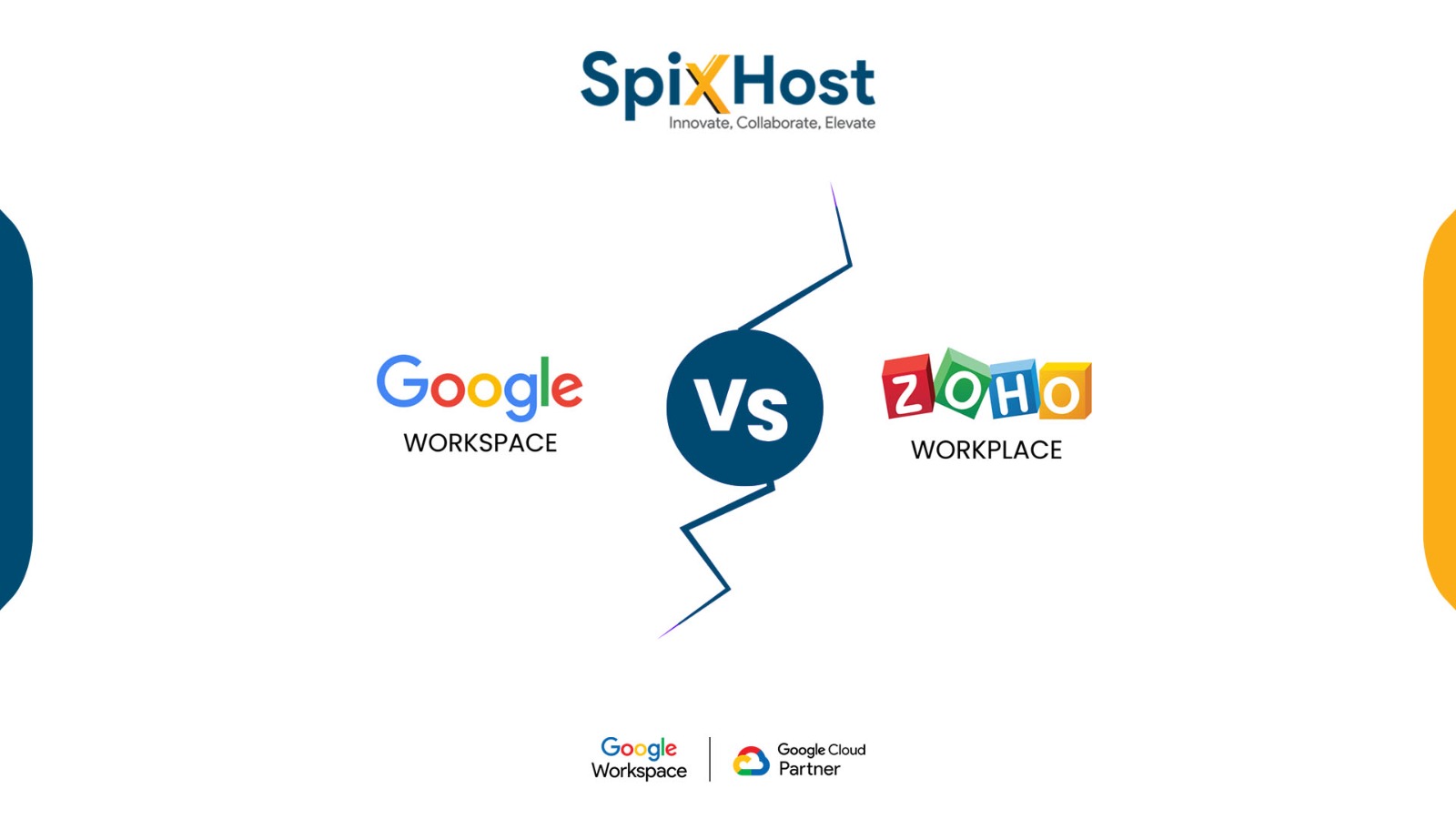
Businesses need communication and collaboration tools to do their daily work properly. There are two popular tools that people use for this: Google WorkspaceZoho Workplace
They are different in some ways, like their price, user experience, integration, scalability, and what kind of business features they have. If you understand these differences, you can pick the tool that’s right for your business and the money you want to spend.
In this guide we will look at Google Workspace and Zoho Workplace in detail. We will talk about what features they have, how much they cost, what kind of support they offer, how to set them up, and what kind of tools they have to help you be more productive.
What Is Google Workspace?
Many businesses like Google Workspace, as it’s easy to use. Moreover, teams can collaborate easily and seamlessly.
What Is Zoho Workplace?
The main benefit of Zoho Workplace is affordable pricing.
Google Workspace vs Zoho Workplace: Key Differences
Both of these are productivity tools for businesses. However, there are a few differences between the two of them:
User Interface
Google Workspace has a simple and easy-to-use interface that looks very modern. Most people are already used to using Gmail and other Google applications, so they will feel right at home with Google Workspace. On the other hand, Zoho Workplace has a lot of features, but it may take some people a little time to get used to how it works.
Collaboration Features
Google Workspace is really good at letting people work together in real-time. This means that many people can work on the document at the same time without any problems. Zoho Workplace also lets people collaborate, but Google Workspace offers a more smooth experience.
Integrations
Google Workspace works well with a lot of other applications as well. Zoho Workplace Zoho toolsZoho CRM
Storage
Google Workspace usually gives people a lot of space to store their files depending on what plan they’re paying for. Zoho Workplace gives people a lot of storage space too. It is budget-friendly, which is good for businesses that do not have a lot of money to spend.
Plans and Pricing
Google Workspace and Zoho Workplace have different plans. These plans are for startups, small businesses, and large companies. Google Workspace is a bit expensive, but it is really good for team communication and has features that large companies need. There are different plans in this, such as Business Starter, Business Standard, Business Plus, and Enterprise. Their prices vary and also depend on the reseller from whom you buy these. SpixHostofficial Google Cloud partner
Zoho Workplace is a choice for small businesses because it does not cost as much money. Zoho Workplace has different plans like Mail LiteMail PremiumWorkplace Standard
Some businesses like Google Workspace because it can handle a lot of users and provide seamless integration. On the other hand, startups and small businesses prefer Zoho Workplace, as it is cost-effective.
Business Email and Collaboration Features
Google Workspace and Zoho Workplace are two options for businesses. They both have good email and collaboration tools that can help teams work better together.
Google Workspace has a business email service through Gmail. It lets you have your company email address, which looks a lot more professional. It also has features like spam filtering, which helps keep junk mail out of your inbox. You can access your email from your phone or computer. It has high security to keep your information safe. The calendar is also connected to your email, which makes it easy to schedule meetings.
Zoho Mail has ad-free business email with a strong focus on privacy and security. Zoho Workplace also has collaboration tools that let teams work together, like shared email inboxes and task lists. You can also easily communicate with your team and share files with them.
Google Workspace Services
Google Workspace setup is really easy to do for people who are just starting out, and it works for businesses of all sizes.
Google Workspace Features
Google Workspace is what you need if you have a scalable business and want high-grade security.
Setup Process
The setup process includes:
SpixHost gives reliable support and easy setup with highly trained professionals so you don’t have to worry about the setup process.
Zoho Workplace Services
Zoho Workplace services focus on affordability and operational efficiency. Key services include the following:
Zoho Workplace is a fit for startups, freelancers, and businesses that are on a tight budget and need affordable solutions, like Zoho Workplace services.
Security and Data Protection Comparison
When choosing a business productivity suite, security is really important. Google Workspace has security features, including two-factor authentication, endpoint management, advanced threat protection, and data loss prevention.
Zoho Workplace, on the other hand, offers security features such as secure encryption, privacy-focused policies, multi-factor authentication, and admin controls.
Both Google Workspace and Zoho Workplace offer good protection, but Google Workspace has more advanced security features for large businesses. These are more suitable for enterprises.
Customer Support Comparison
When the support system is concerned, Google Workspace offers the following benefits:
Zoho Workplace also provides supporting channels such as
If you have a large-scale business and you want assistance whenever you like, Google Workspace support might be better for you. SpixHost customer support is highly recommended by its clients, and customer satisfaction is the core priority.
Should You Buy Google Workspace or Choose Zoho Workplace?
Both platforms serve different business needs. Before making a decision, think about these things:
Google Workspace is great for collaboration, scalability, and integration. It works best for growing businesses, remote teams, and large companies that need high-end communication tools. Zoho Workplace is great for affordability, privacy, and integrated business apps. It is an option for startups and small businesses that want cost-effective solutions. Choose the solution that aligns with your business goals and needs. Think about what your business needs and choose the option.
Frequently Asked Questions :
How does Google Workspace compare to Zoho Workplace in pricing?
Which platform offers better collaboration tools?
As far as collaboration tools are concerned. Google Workspace has more collaboration options as you get real-time access to the same documents. Zoho Workplace also offers collaboration tools, but which tool to choose depends on your business size and needs.
Which platform is easier to use for beginners?
Google Workspace is much easier to use for beginners. You don’t need to have technical knowledge to use it.
Does Google Workspace have better integrations than Zoho Workplace?
Yes, Google Workspace
Which platform is best for remote teams and hybrid work?
Google Workspace is the best choice for remote teams and hybrid work. It provides real-time collaboration, seamless integration, cloud storage access, and easy communication. It is mostly an online-based tool, which is the major need for remote teams.