
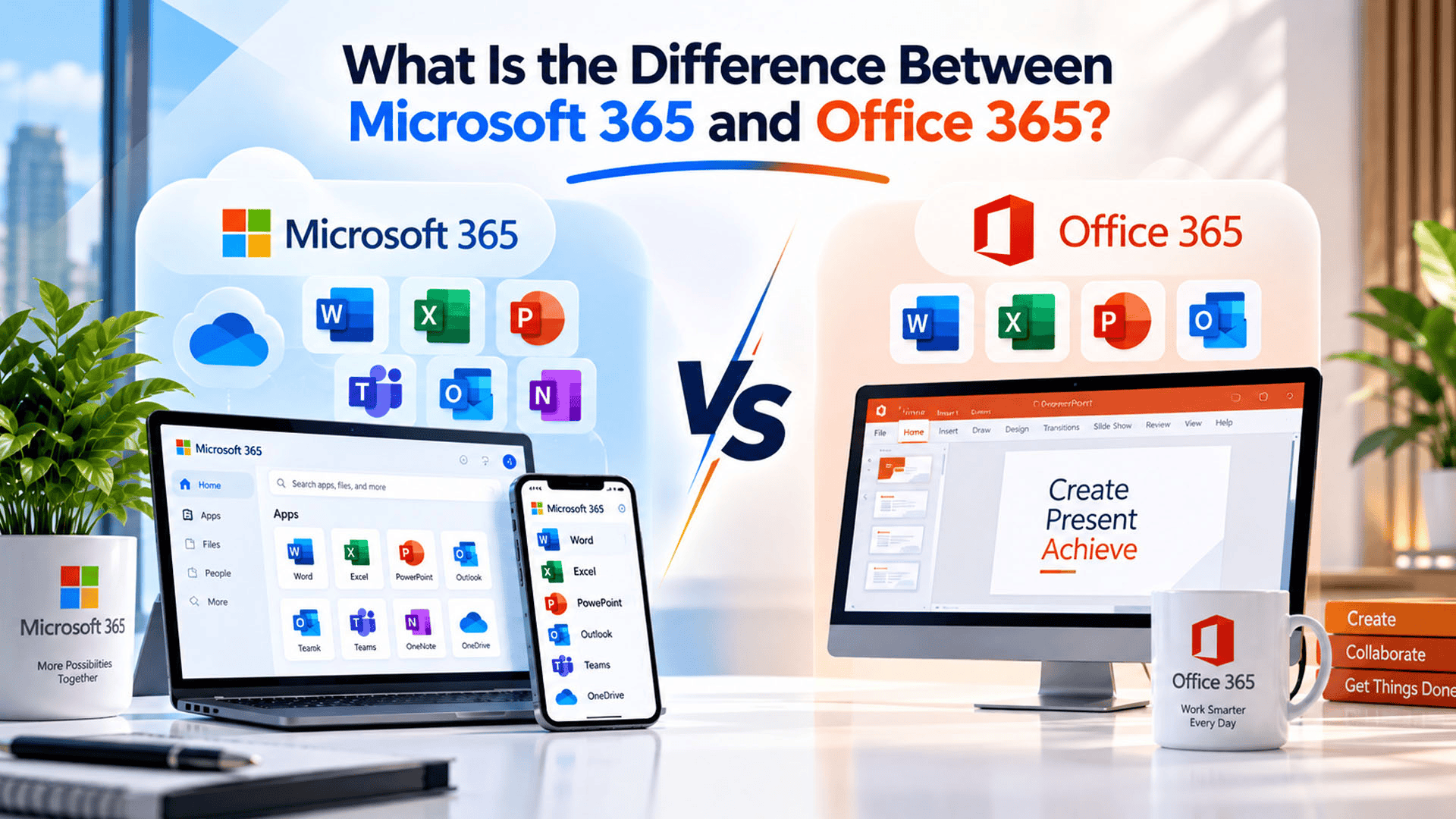
Many business owners still use the terms Microsoft 365 and Office 365 interchangeably, assuming they are simply two names for the same product. While they are closely related, the two are not exactly the same, and understanding the difference can help businesses choose the right subscription for their actual needs.
This confusion is common because Microsoft itself renamed Office 365 to Microsoft 365 a few years ago, but not every plan made that switch at the same time. Some businesses are still technically using Office 365, while others have moved to the newer Microsoft 365 setup without fully realizing what changed.
Knowing the Difference Between Microsoft 365 and Office 365 matters because it affects what features a business gets, how much it pays, and how well the subscription supports modern remote and hybrid work.
This is exactly the kind of confusion that a reliable technology partner can clear up. For businesses in Pakistan, SpixHost provides Microsoft 365 for Business at affordable and discounted prices, along with Google Workspace, Zoho Workplace, Chrome OS, hosting, domains, software development, MVP development, and data migration services, so businesses can choose the right plan without second guessing what they are actually paying for.
What Is Office 365?
Office 365 was originally launched as a subscription based version of Microsoft's familiar office software, including Word, Excel, PowerPoint, and Outlook. Instead of buying the software once, businesses paid a recurring fee to access the latest versions of these apps along with cloud services like email hosting and file storage.
At its core, Office 365 focused mainly on:
- Word, Excel, PowerPoint, and Outlook
- Email hosting through Exchange
- Basic cloud storage through OneDrive
- Access across a limited number of devices
For many years, Office 365 was the standard choice for businesses that wanted a cloud connected version of familiar Microsoft apps without buying software licenses outright.
What Is Microsoft 365?
Microsoft 365 builds on everything Office 365 offered, but expands it into a broader Cloud Based Productivity Suite that includes more advanced tools for collaboration, security, and device management.
A typical Microsoft 365 for Business plan includes:
- All the core Office apps (Word, Excel, PowerPoint, Outlook)
- Microsoft Teams for chat and video meetings
- Advanced security and device management features
- Larger cloud storage through OneDrive
- Regular feature updates delivered automatically
In simple terms, Microsoft 365 is not just an office suite anymore. It is a complete workspace built around collaboration, communication, and security, with the traditional Office apps as just one part of the package.
Key Differences Between Microsoft 365 and Office 365
| Feature | Office 365 | Microsoft 365 |
| Core Office apps | Yes | Yes |
| Microsoft Teams | Limited or not included in older plans | Included as a core feature |
| Advanced security tools | Basic | Enhanced, including device management |
| Cloud storage | Standard OneDrive storage | Often higher storage limits |
| Focus | Office software suite | Complete productivity and collaboration platform |
| Naming | Older or legacy branding | Current branding for most active plans |
The most noticeable shift is that Microsoft 365 Apps now sit inside a larger ecosystem built for teamwork, rather than being sold purely as individual desktop programs with email attached.
Why Did Microsoft Make This Change?
The shift from Office 365 to Microsoft 365 reflects how work itself has changed. Businesses no longer just need to write documents and send emails. They need real time collaboration, secure remote access, and tools that work smoothly across laptops, tablets, and phones.
By expanding the Microsoft Office Suite into Microsoft 365, the company aimed to offer a more complete solution that matches how modern teams actually operate, especially with the rise of remote and hybrid work arrangements.
This also means that most new Microsoft 365 Subscription plans automatically include tools that used to be optional extras, giving businesses more value without needing to purchase separate software.
How to Know Which One a Business Is Using
Since branding has changed over time, some businesses may not immediately know whether they are using Office 365 or Microsoft 365. A few practical ways to check include:
- Reviewing the exact plan name in the billing or admin account
- Checking whether Microsoft Teams is included as part of the subscription
- Looking at available storage limits, since Microsoft 365 plans often include more
- Confirming with the software provider or IT support handling the account
For businesses unsure about their current plan, getting proper guidance avoids confusion when comparing costs or considering an upgrade.
Benefits of Moving to Microsoft 365
Businesses still using an older Office 365 setup can benefit from switching to a current Microsoft 365 Plans option, especially if their team relies on remote work or cross device collaboration.
- Better collaboration: Microsoft Teams supports chat, video calls, and file sharing in one place
- Stronger security: Advanced device and data protection features help protect business information
- More storage: Increased OneDrive limits reduce the need for separate storage tools
- Simplified licensing: One subscription often covers more tools than older Office 365 plans
- Consistent updates: New features roll out automatically without needing a separate purchase
These improvements make Microsoft 365 a more practical long term choice for businesses that plan to grow their remote or hybrid work capabilities.
Practical Considerations Before Choosing a Plan
Before deciding between staying on an existing subscription or upgrading, businesses should consider:
- Current team size: Larger teams benefit more from Teams and collaboration features
- Security needs: Businesses handling sensitive data may need the enhanced protection in Microsoft 365
- Budget: Comparing Office 365 Plans against Microsoft 365 pricing helps identify the best value
- Existing workflows: Teams already using Teams or advanced storage may already be on Microsoft 365 without realizing it
Reviewing these factors helps businesses avoid paying for outdated plans or missing out on tools they could already be using.
Why Choose SpixHost for Microsoft 365?
Choosing between Office 365 and Microsoft 365 is easier with the right support behind the decision. SpixHost helps businesses review their current subscription, understand what they are actually getting, and move to the right Microsoft 365 Pakistan plan without unnecessary cost or confusion.
For businesses in Pakistan, SpixHost provides Microsoft 365 for Business at affordable and discounted prices, along with Google Workspace, Zoho Workplace, Chrome OS, hosting, domains, software development, MVP development, and data migration services. This makes it easier for businesses to manage their productivity tools and other digital needs through one dependable provider.
In the end, the difference between Microsoft 365 and Office 365 comes down to scope. Office 365 introduced cloud based Office apps, while Microsoft 365 expanded that foundation into a complete workspace built for modern collaboration. Businesses that understand this difference are better placed to choose a plan that actually matches how their teams work today.
Frequently Asked Questions
1. Is Office 365 still available for businesses today?
Some older plans still use the Office 365 name, but most active business subscriptions have moved to Microsoft 365 branding and features.
2. Does Microsoft 365 cost more than Office 365?
Pricing depends on the specific plan, but Microsoft 365 often includes more tools, such as Teams and extra storage, for a similar or comparable price.
3. Can a business upgrade from Office 365 to Microsoft 365 without losing data?
Yes. Upgrading typically keeps existing emails, files, and settings intact, since both run on the same underlying cloud system.
4. Is Microsoft Teams only available in Microsoft 365?
Teams is a core part of most current Microsoft 365 plans, while older Office 365 plans may not have included it by default.
5. Does SpixHost help businesses set up Microsoft 365 in Pakistan?
Yes. SpixHost offers Microsoft 365 for Business at discounted prices in Pakistan, along with setup support and related digital solutions.