Work Smarter with Google Docs
Collaborate in real-time with AI-powered writing, smart suggestions, and seamless teamwork.
AI-Powered Efficiency in Google Docs
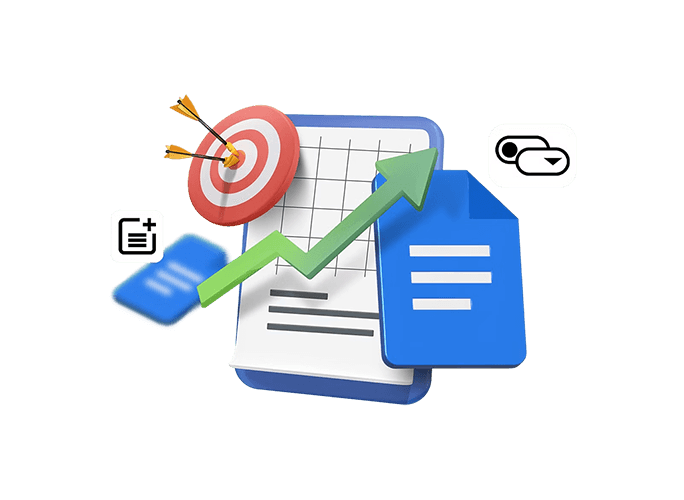
With Gemini AI in Google Docs, you can draft reports, summarize data, and generate content instantly. Smart suggestions and automated insights help teams collaborate faster, reduce errors, and make informed decisions, turning every document into a productivity powerhouse. It also helps refine tone, improve clarity, and restructure content for better readability in seconds. This ensures your documents are always professional, accurate, and ready for sharing.
Seamless Google Workspace Integration
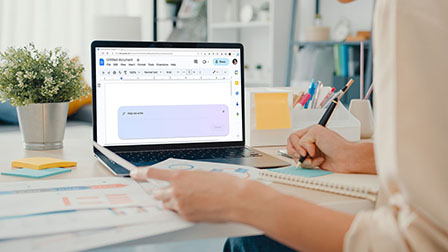
Integrate Docs with Gmail, Meet, and Keep to boost team productivity.
Interactive Smart Chips
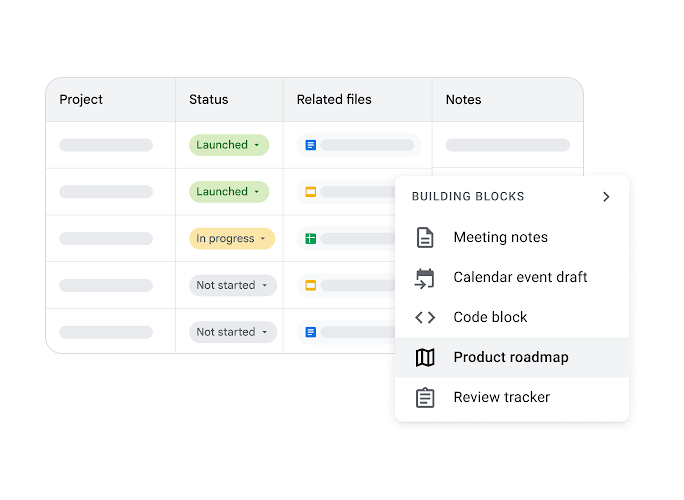
Insert dynamic elements like dropdowns, project trackers, and meeting notes that auto-update with dates and attendees for smarter workflow management.
Email Drafts in Docs
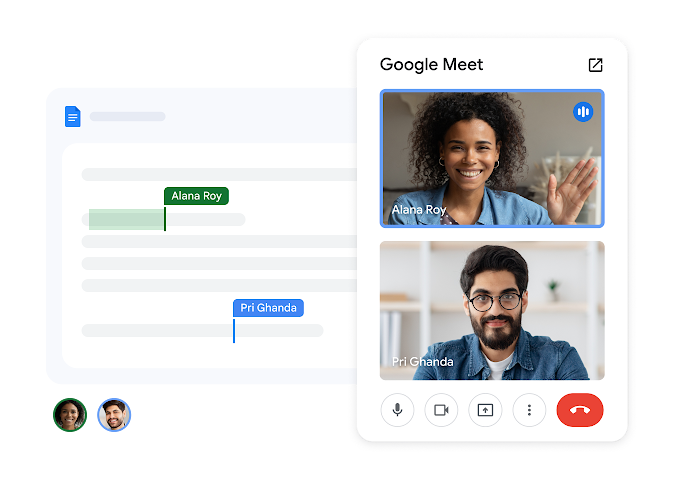
Google Meet at Your Fingertips
Notes & Content on the Side
Real-Time Collaboration & Sharing
Collaborate instantly with your team, track changes, and streamline workflows for faster, error-free business results.
Simultaneous Editing
Multiple users can edit a document at the same time, with live, character-by-character updates for seamless teamwork.
Comments & Action Items
Suggested Edits Mode
Granular Access Control
Secure Your Business Documents
Protect your business data with advanced encryption, granular access controls, and secure sharing across Google Workspace, keeping your documents safe and your team compliant. You can control who can view, edit, or comment on each document to prevent unauthorized access. Version history ensures every change is tracked, allowing you to restore previous edits anytime if needed. Built-in security features help safeguard sensitive information while enabling seamless collaboration across teams.
Frequently Asked Questions
Want to know more about Google Docs?
Google Docs is a cloud‑based word processor that lets users create, edit, and format documents online. It enables collaboration and integration with other Google Workspace apps for efficient teamwork.