

Note-Taking Made Easy
Capture ideas, create checklists, and set reminders with Google Keep in Google Workspace to stay organized and productive.
Transform Idea Management into Business Productivity
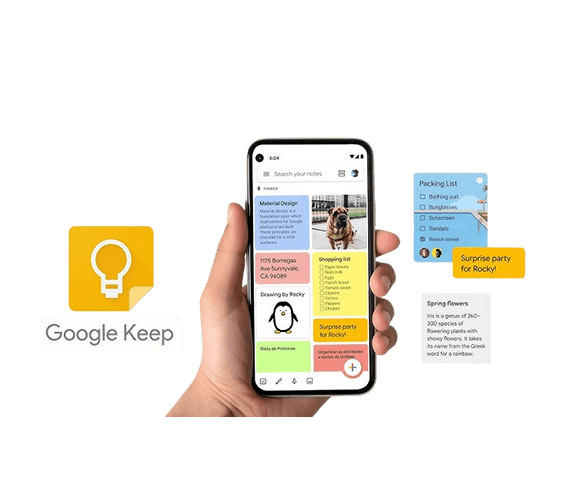
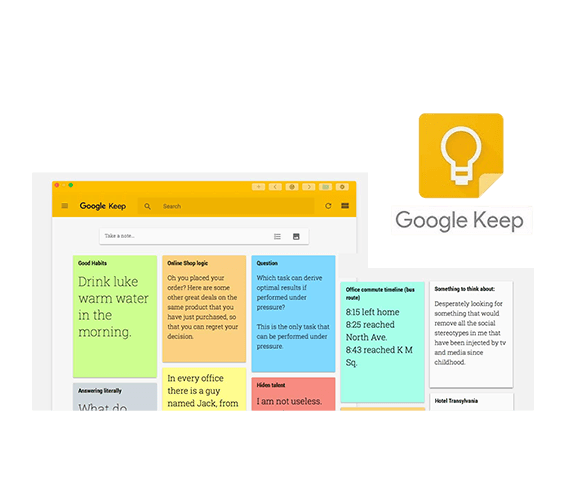
Google Keep lets you capture ideas, tasks, and notes efficiently with text, checklists, images, and drawings. Use voice memos, OCR text extraction, web clipping, and voice-to-text to streamline workflows, enhance collaboration, and boost productivity. Quickly organize thoughts with color-coded notes and labels for easy retrieval. Set reminders based on time or location so important tasks are never missed. Seamlessly sync across devices, ensuring your ideas are always accessible anytime, anywhere.
Organize, Prioritize, and Streamline Workflow for Business Growth
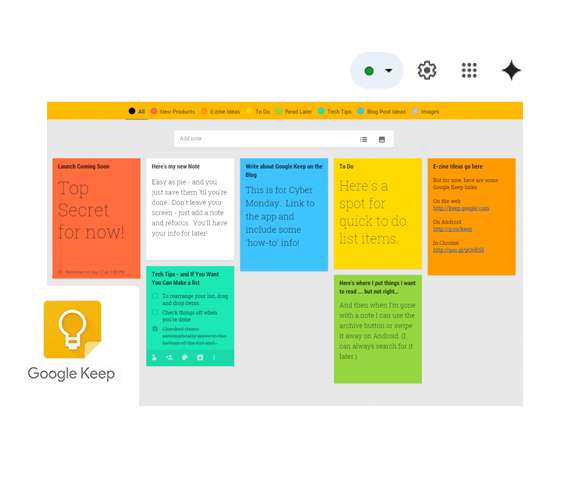
Maximize business productivity by organizing, color-coding, labeling, pinning, and quickly accessing notes.
Smart Labeling for Efficient Categorization
Organize your business notes effortlessly with customizable labels. Tag notes by project, client, or priority to make filtering and retrieval quick and intuitive, helping teams stay focused and productive.
Color-Coding for Visual Organization
Pinning & Prioritizing Key Notes
Advanced Search & Archiving for Quick Access
Collaborate, Share, and Organize Team Notes
Share notes, track tasks, and integrate reminders across Gmail, Calendar, Drive, and Docs.

Real-Time Collaboration & Shared Notes
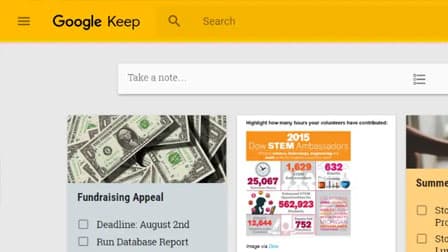
Multiple users can edit, update checklists, and contribute ideas instantly, making project management, brainstorming, and shared task tracking more efficient.
Integrated Task & Calendar Management
Convert notes to Google Tasks or set deadlines that automatically sync with Google Calendar, ensuring important work is tracked and completed on time.
Google Workspace Integration & Accessibility
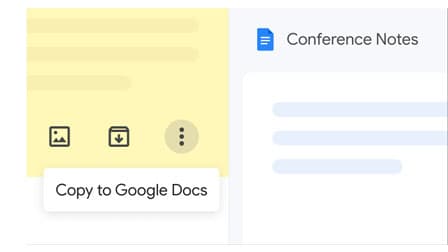
Access and manage notes directly within Gmail, Google Drive, and Google Calendar, or drag them into Google Docs to create formal documents.
Frequently Asked Questions
Want to know more about Google Keep?
You can label and color‑code notes, pin priority items, archive old ones, use robust search filters, and create checklists that auto‑move completed items, all helping teams stay organized and focused on business tasks.