
Smart, Scalable Data Management
Manage, analyze, and collaborate on your data seamlessly with Google Sheets, anytime, anywhere.
Turn Data into Insights with Gemini
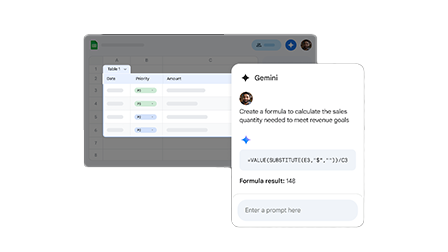
Unlock the power of AI with Gemini in Google Sheets. Effortlessly analyze data, generate formulas, create summaries, and uncover insights in seconds, no advanced skills required. Gemini helps you automate repetitive tasks, spot trends faster, and make smarter business decisions, so your team can focus on what truly matters. It can quickly clean and organize large datasets, saving hours of manual work. You can ask Gemini to explain complex formulas in simple language for better understanding. It also helps visualize data with smart suggestions for charts and patterns. Real-time assistance ensures faster reporting and more accurate analysis. This makes data handling easier, smarter, and more accessible for everyone on your team.
Maximize Efficiency with Google Sheets Analytics
Leverage advanced functions and cleanup tools to save time and reduce errors in your workflow.
Smart Chips & Cleanup Tools
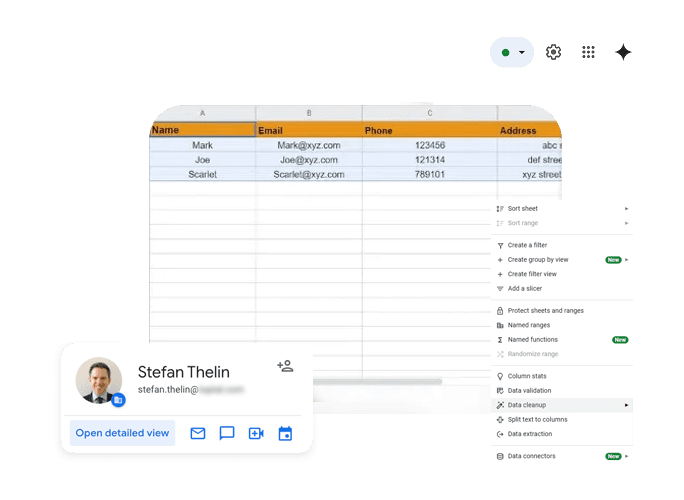
Enhance data clarity with smart chips for people, files, or dates, and clean your sheets effortlessly by removing duplicates or splitting text into columns.
Advanced Formulas & Functions
Pivot Tables & Data Modeling
Data Validation & Filter Views
Collaborate, and Accelerate Business Workflows
Enable your team to co-edit, share feedback, and stay aligned while driving projects forward efficiently.
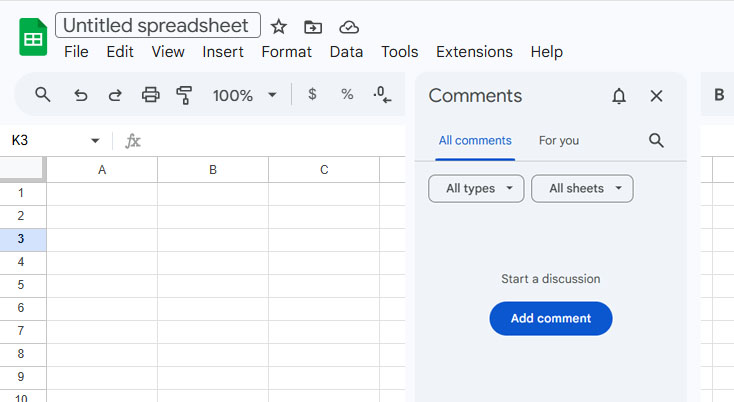
Real-Time Co-Editing & Communication
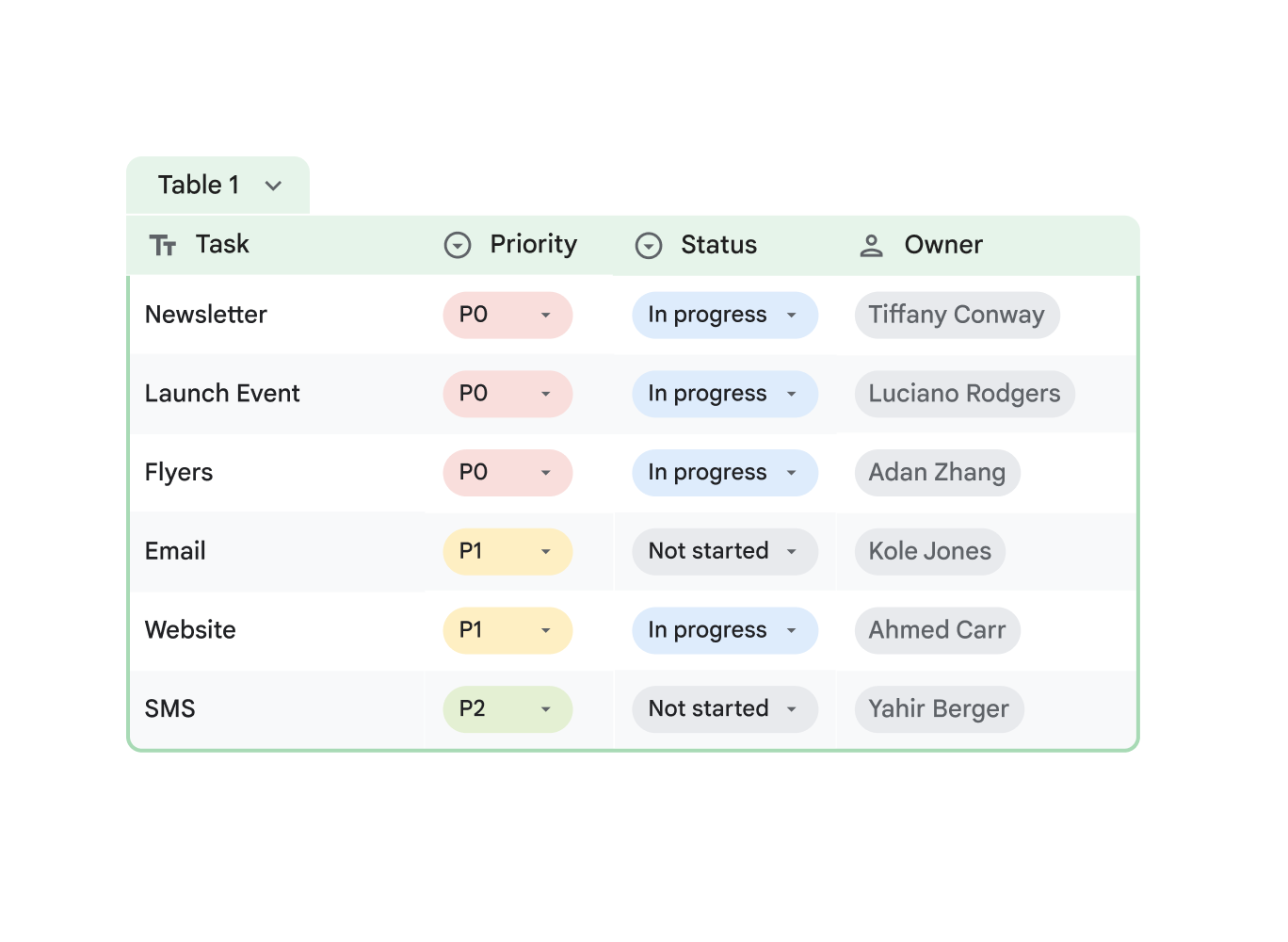
Collaborate effortlessly as multiple team members edit the same sheet simultaneously, while built-in chat and comments keep everyone on the same page.
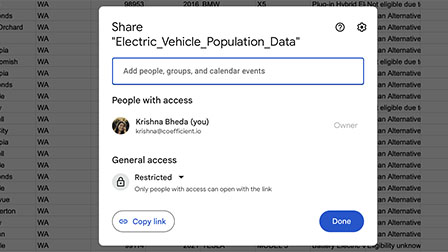
Granular Sharing & Access Control
Revision History & Offline Editing
Secure and Control Your Business Data
Protect your data with automated cloud backups and robust admin controls, including sharing restrictions, activity audits, and enforced 2-step verification. Google Sheets ensures sensitive information stays protected through role-based access, allowing only authorized users to view or edit data. Every change is tracked with detailed activity logs, helping teams maintain transparency and accountability. Built-in security features reduce the risk of data loss while ensuring compliance across your organization.
Frequently Asked Questions
Want to know more about Google Sheets?
Google Sheets is a cloud-based spreadsheet tool used for data organization, analysis, reporting, and collaboration across teams and businesses.