
Turn ideas into impactful presentations.
Build engaging presentations with ease. Work together in real-time, present confidently, and keep everything secure in the cloud.
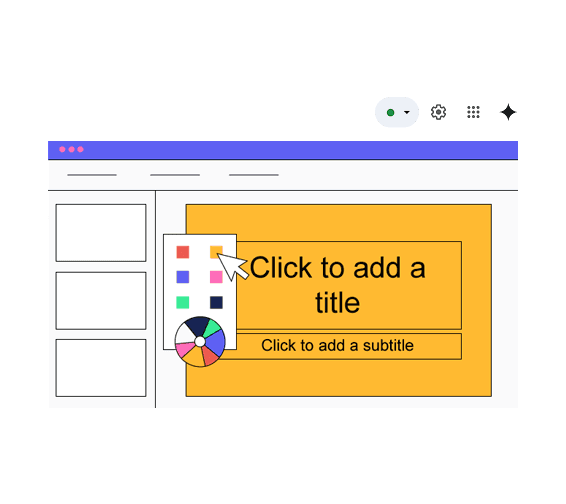
Enhance Your Presentations with Gemini AI
Gemini AI helps you design, organize, and enhance your slides instantly. Generate visuals, improve content, and create professional presentations in minutes, saving time while boosting impact. It can suggest layouts and design elements to make your slides more visually engaging. You can quickly refine messaging and structure for clearer, more compelling presentations. Gemini also helps turn ideas into polished slides, making presentations more effective and impactful.
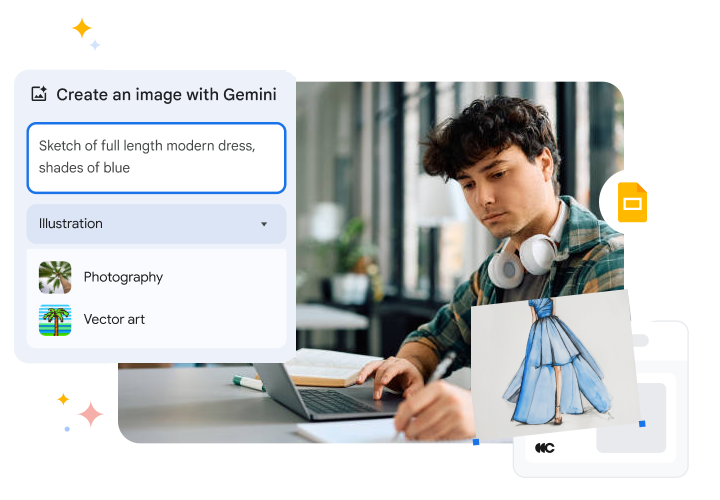
Create Impactful Presentations Faster
Boost team productivity and deliver professional, engaging presentations with ready-made templates, multimedia tools, and smart slide building blocks.
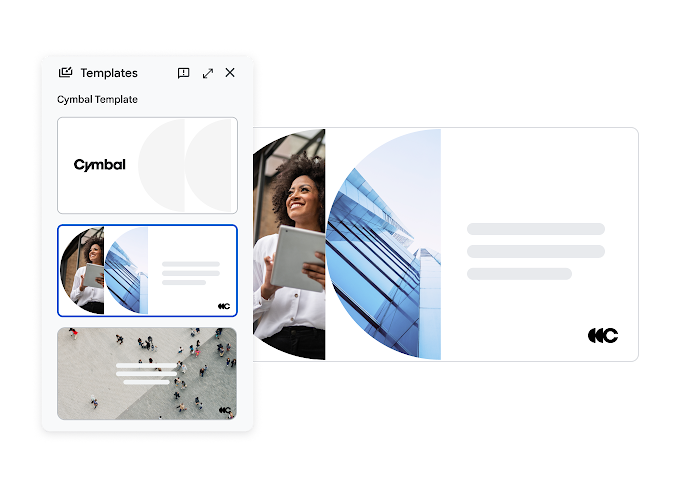
Ready-to-Use Templates & Themes
Save time and maintain brand consistency with a wide range of professional templates and pre-designed themes. Quickly create polished presentations that reflect your business identity without starting from scratch.
Multimedia & Interactive Tools
Smart Building Blocks
Collaborate Smarter and Achieve Faster Results
Enable teams to work together seamlessly, share feedback instantly, and keep presentations organized.
Real-Time Co-Editing
Work together seamlessly as multiple team members edit the same presentation simultaneously, ensuring faster project completion and reducing version confusion.
Commenting & Action Items
Version Control & Permission Management
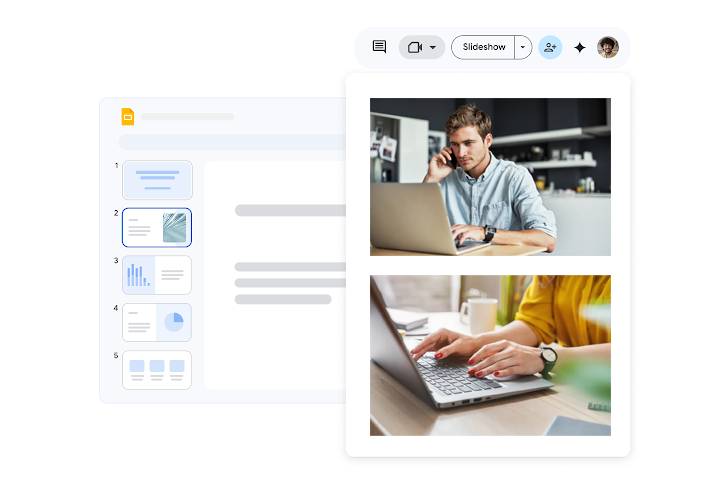
Present with Confidence Anywhere
Engage audiences, streamline remote meetings, and share presentations effortlessly, enhancing communication and productivity for your business.
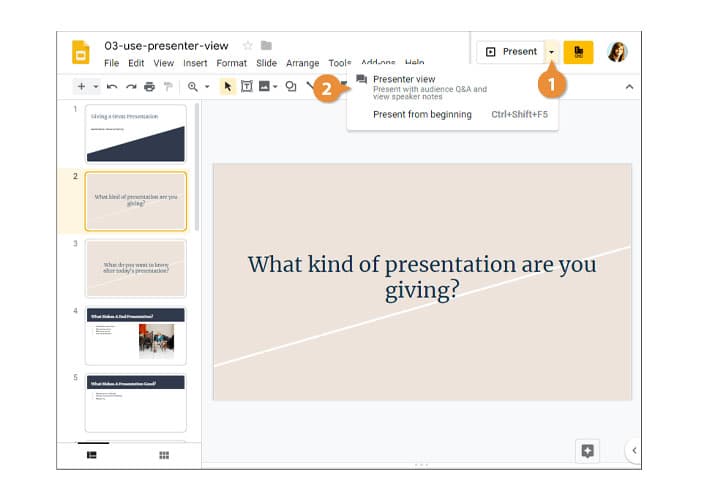
Presenter View
Stay organized and confident during presentations with speaker notes, Q&A tracking, and timers, ensuring smooth delivery every time.
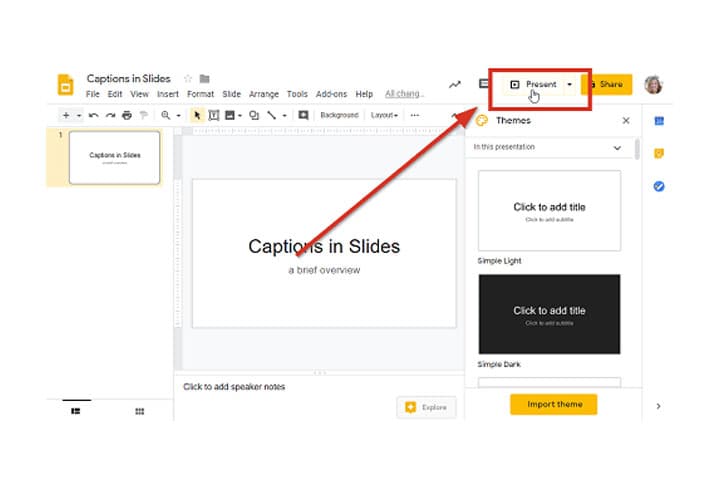
Live Captions & Accessibility
Automatically generate real-time captions to make your presentations inclusive, helping all audience members follow along clearly.
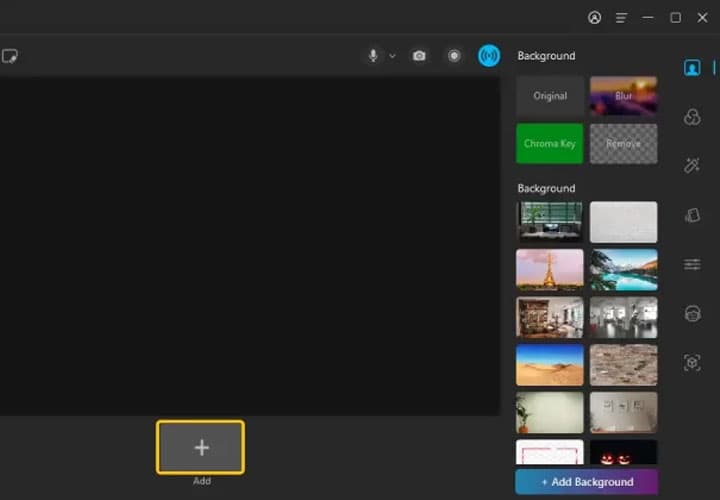
Google Meet Integration & Recording
Present directly in virtual meetings and record sessions to share later, making remote presentations more engaging and reusable for business teams.
Protect Your Business Data
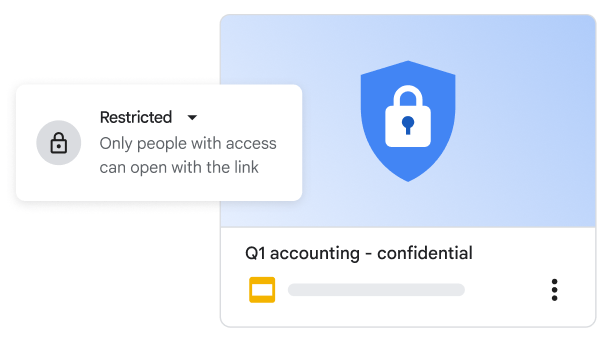
Keep your company’s sensitive information safe with enterprise-grade security. With Data Loss Prevention (DLP) policies and a centralized admin console, you can control access, manage sharing settings, and monitor activity, ensuring your business data stays secure. Control who can view, edit, or share presentations with role-based permissions. Track changes and access history to maintain transparency and accountability across teams. These built-in security features help prevent data leaks while enabling safe and seamless collaboration.
Work Anywhere, Stay Productive
Create, edit, and present slides anytime, even offline or on mobile devices. With quick shortcuts like “slides.new” and tools like voice typing for notes, your team can stay productive and keep projects moving, no matter where they are. Seamlessly sync changes across devices so your work is always up to date. Collaborate in real time with your team, even when working remotely. This flexibility ensures uninterrupted productivity and faster project progress from anywhere.
Integrate, Automate, Succeed
Drive Integration
Save presentations automatically to Google Drive and access your files and images seamlessly, ensuring your team always works with the latest content without extra effort.
Linked Sheets & Docs
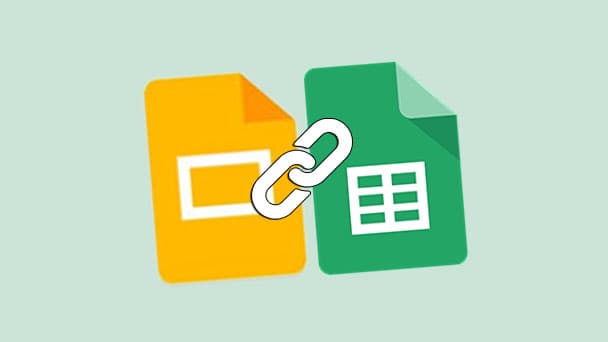
Connect charts, tables, and slides directly from Google Sheets or Docs. Updates in source files are reflected instantly, saving time and reducing errors across presentations.
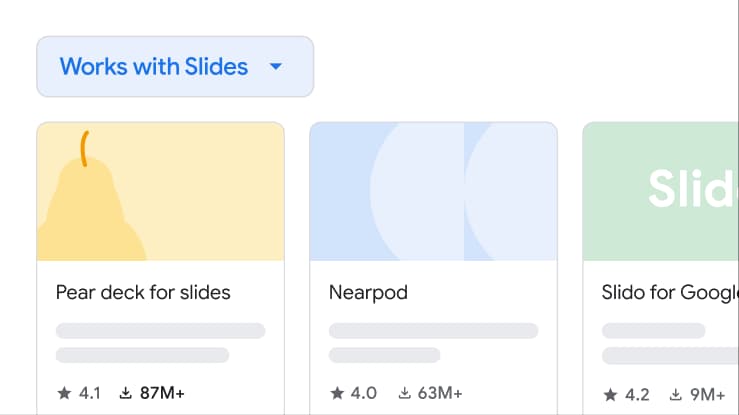
Add-Ons & Compatibility
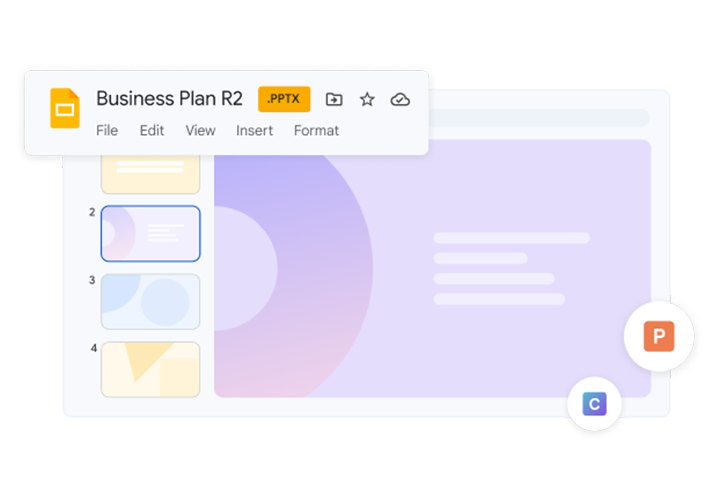
Enhance functionality with third-party tools from the Google Workspace Marketplace and maintain compatibility with PowerPoint files, allowing smooth collaboration across platforms.
Frequently Asked Questions
Want to know more about Google Slides?
Google Slides is a cloud-based presentation tool that lets you create, edit, and share professional presentations. It’s perfect for business meetings, team collaboration, and creating visually engaging slides accessible from any device.