

Organize Your Day with Google To-Do Lists
Easily track, prioritize, and complete tasks with Google Tasks, all in one place.
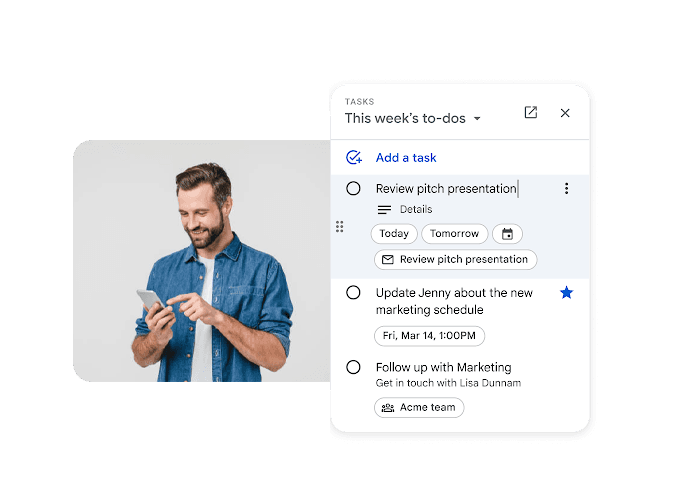
Get Things Done Faster with Google Tasks
Manage, track, and complete tasks across Gmail, Calendar, Docs, and Chat, all in one place.
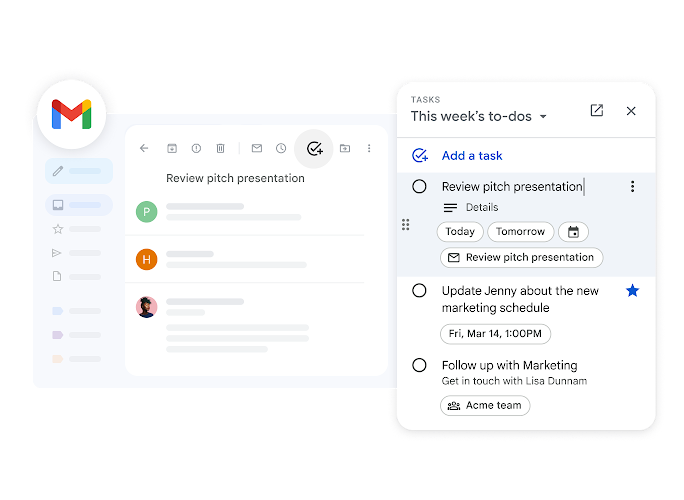
Turn Emails into Actionable Tasks
Convert Gmail messages into tasks instantly and link them back to the original email, ensuring nothing slips through the cracks and saving time on follow-ups.
Sync Tasks Directly with Your Calendar
Manage Tasks Across Workspace Apps
Boost Productivity with Smart Task Tools
Smart Task Organization
Create, organize, prioritize, and find tasks quickly with flexible tools designed to keep your work structured and on track.
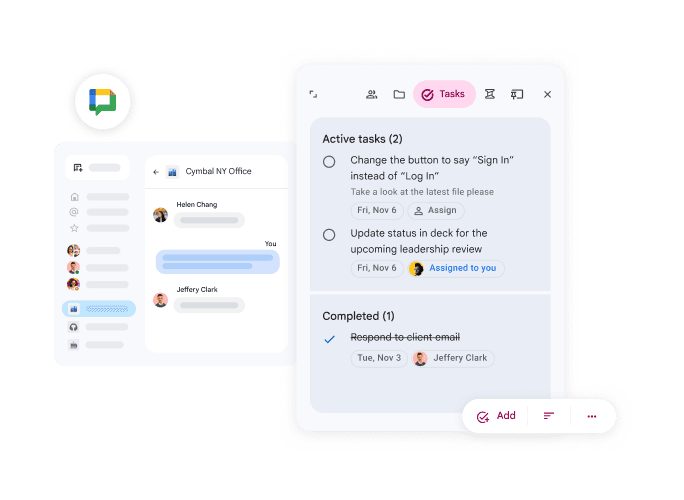
Organize Tasks Your Way with Smart Lists
Create custom lists for work, personal, or projects to keep everything structured and easy to manage. Keep your workflow clear and avoid mixing priorities. Maintain better control over daily, weekly, and long-term planning. Easily categorize tasks based on urgency, importance, or project type for better focus. Track progress in real time so you always know what’s completed and what’s pending. Set deadlines and reminders to stay on schedule and meet goals efficiently. This helps you stay organized, productive, and in full control of your workload.
Break Down Work into Actionable Steps
Use subtasks and detailed notes to simplify complex projects and improve task clarity. Ensure every step is clearly defined and easy to track. Reduce overwhelm by turning big goals into manageable actions. Assign subtasks to team members for better collaboration and accountability. Add descriptions and checklists to ensure nothing is missed during execution. Track progress step-by-step to maintain momentum and avoid delays. This approach makes project management more organized, efficient, and results-driven.
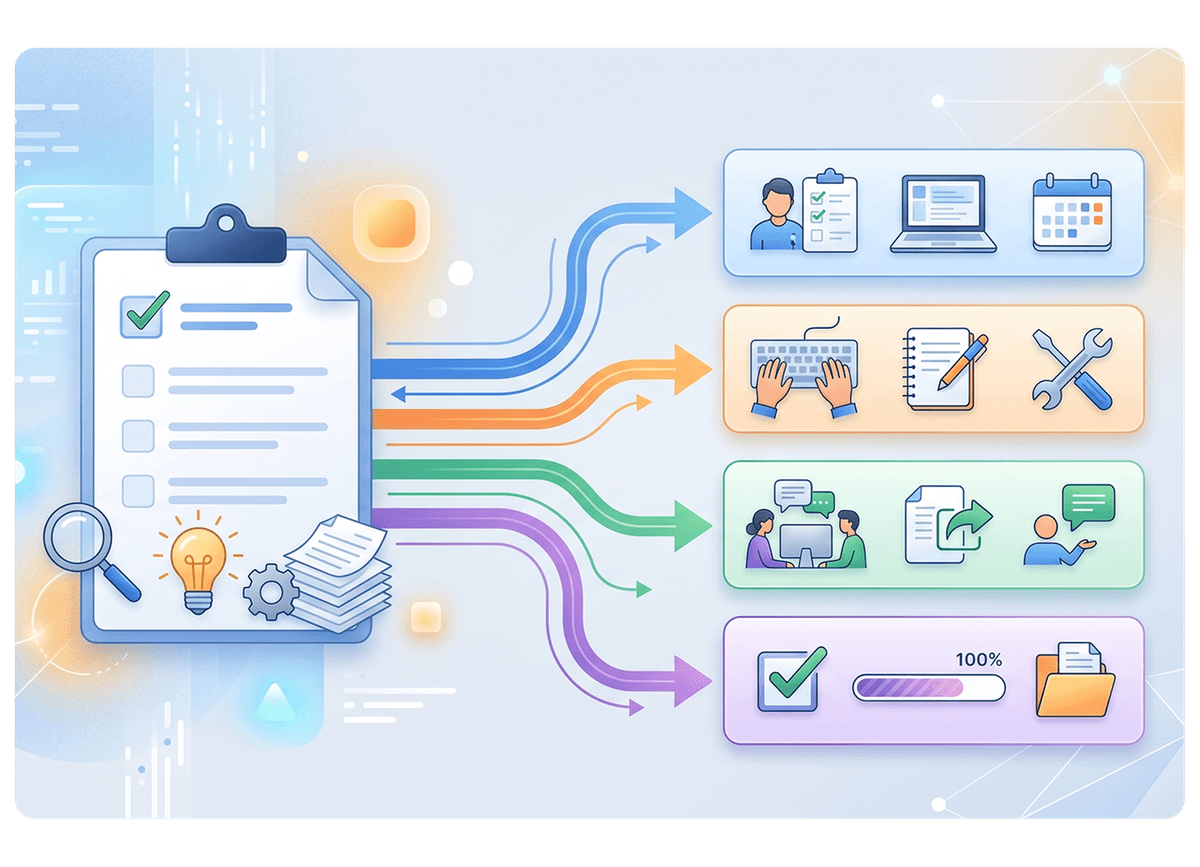
Prioritize What Matters Most
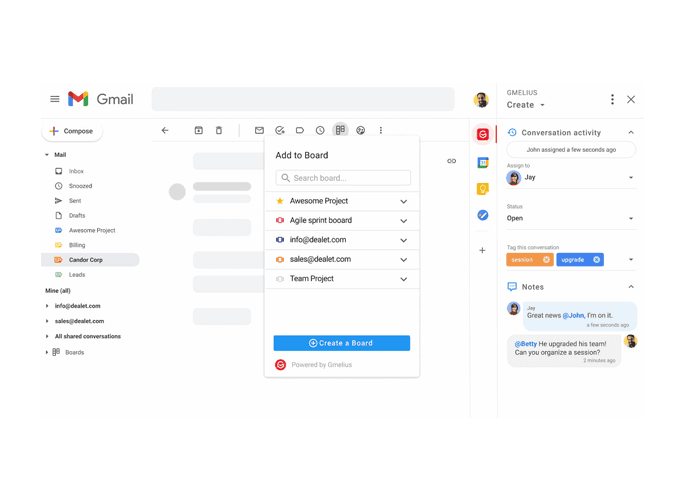
Highlight important tasks with starring and reorder them easily to focus on high-impact work first. Stay focused on deadlines and critical activities. Make smarter decisions on where to spend your time and energy. Quickly identify urgent tasks so nothing important gets missed. Organize your workflow based on priority levels for better clarity. Improve productivity by always focusing on what drives the most results. This helps you stay efficient, structured, and goal-oriented throughout your day.
Find Tasks Instantly, Save Time Daily
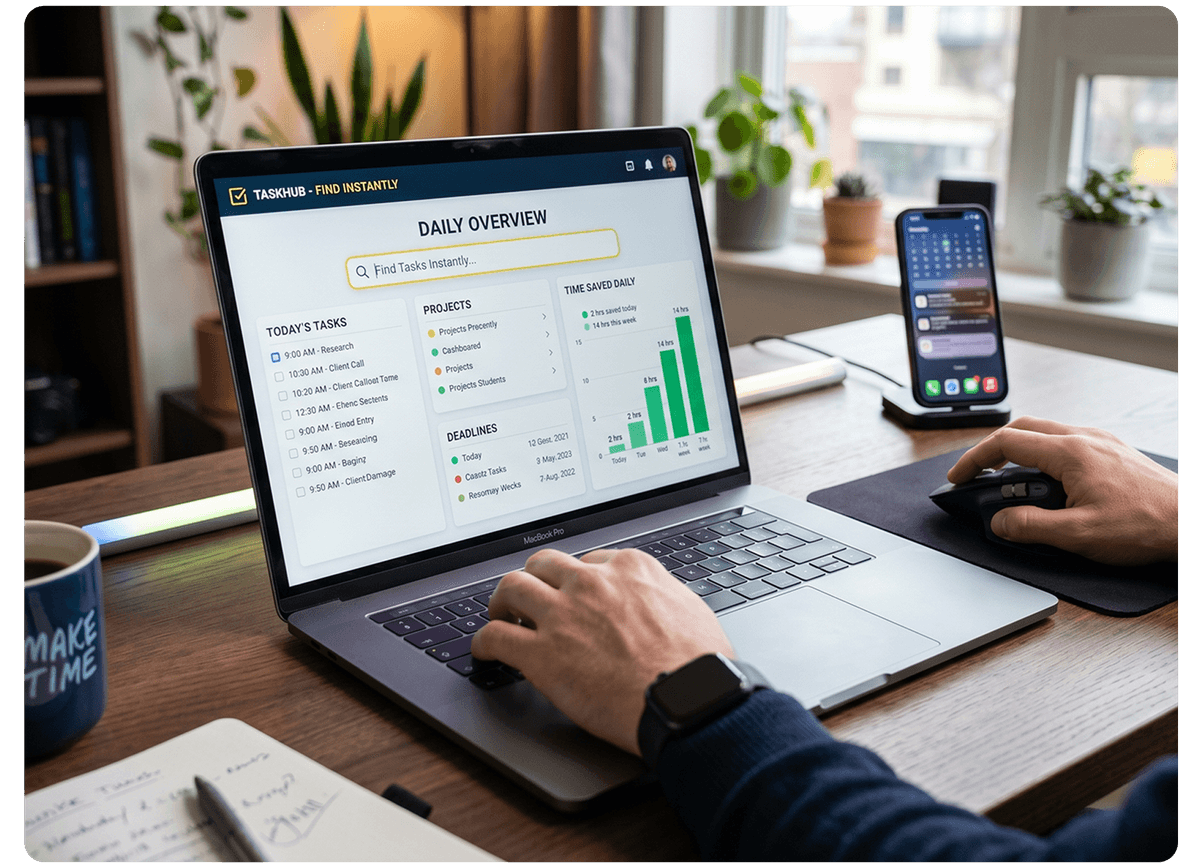
Quickly search and locate tasks or details, reducing time spent looking for important information. Access what you need without disrupting your workflow. Improve efficiency by eliminating unnecessary delays and distractions. Instantly retrieve tasks using smart search so you never lose track of important work. Stay organized even with large task lists by finding exactly what you need in seconds. Reduce manual effort and focus more on completing work rather than searching for it. This ensures a faster, smoother, and more productive daily workflow.
Stay in Control with Flexible Task Management
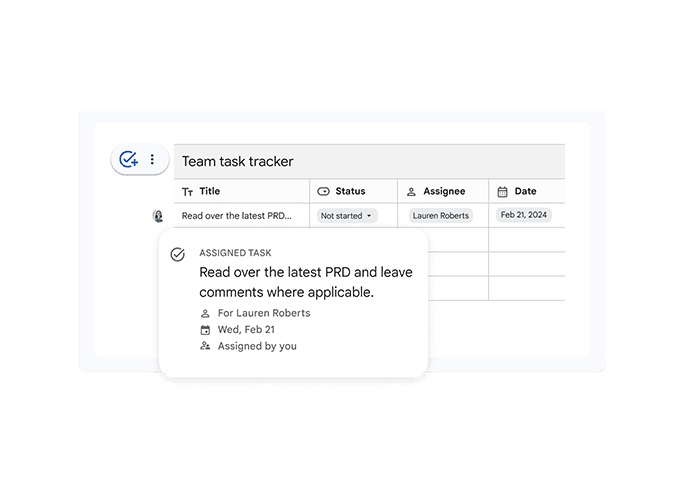
Easily drag, drop, and organize tasks to match your workflow and keep projects moving forward. Adapt your task list as priorities change throughout the day. Stay agile and responsive in fast-paced work environments. Reorder tasks instantly to reflect shifting deadlines and priorities. Break large workloads into manageable sections for better clarity and control. Collaborate smoothly by updating shared task lists in real time. This flexibility helps teams stay aligned, efficient, and productive at all times.
Frequently Asked Questions
Want to know more about Google Tasks
Google Tasks is a task management tool that helps you create to-do lists, organize work, set deadlines, and track daily activities within Google Workspace.