Video Tools That Boost Team Productivity
Create, share, and manage videos within Google Workspace to enhance team productivity.
Record, Edit, and Deliver Videos with Ease
Capture camera or screen, organize scenes, and produce polished videos all in one platform.
All-in-One Recording Options
Allows recording of camera, screen, or both simultaneously with precision, giving you full control over your video production.
Scene-Based Editing & Smart Delivery
High-Quality Videos Ready to Share
Ensure smooth playback and maximum engagement with polished, ready-to-share videos.
High-Quality Video Resolution
Create videos in up to 1080p with 16:9 landscape orientation, ensuring sharp, professional-looking content.
Flexible Export & Download Options
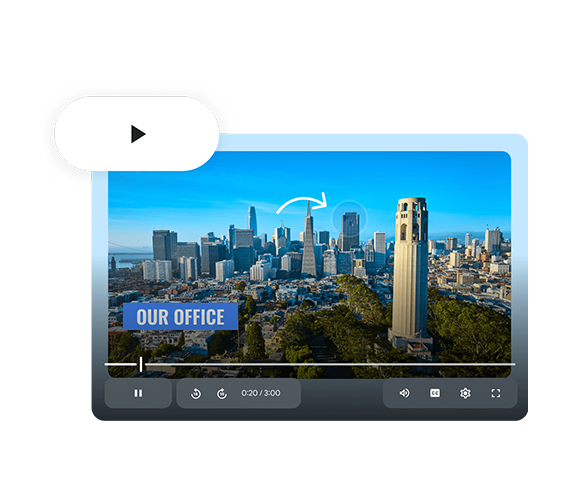
Transform Ideas into Stories with AI-Powered Video
Create, edit, and deliver professional videos faster with AI tools that save time, engage audiences, and enhance productivity.
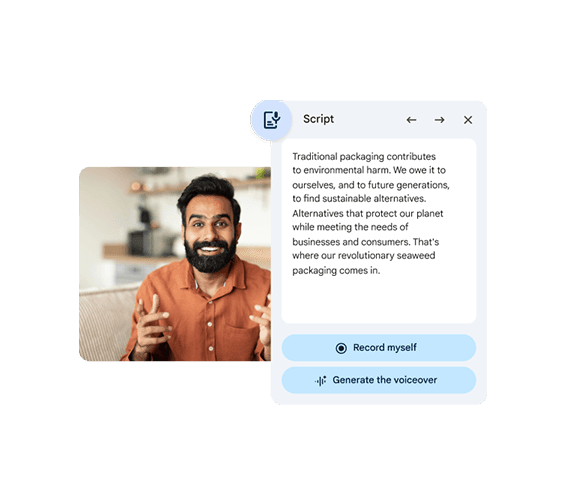
AI-Powered Video Creation
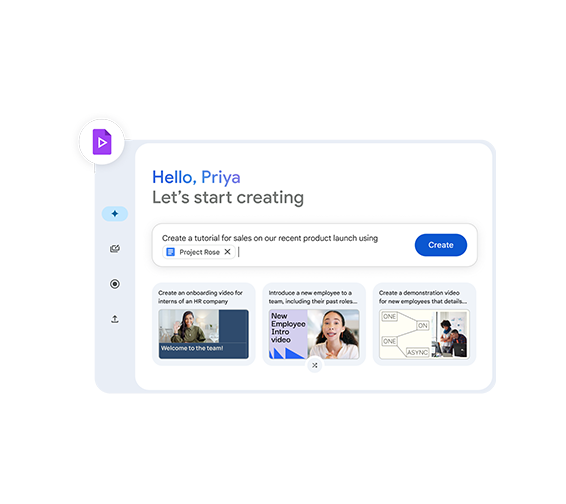
Generate complete video outlines, storyboards, and drafts from text prompts or Google Docs, streamlining content creation and accelerating business messaging. Quickly transform ideas into structured video content without complex editing tools. Refine scripts, scenes, and flow with AI-driven suggestions for better storytelling. This enables faster production, consistent messaging, and more engaging video content for your business
Custom AI Avatars & Video Clips
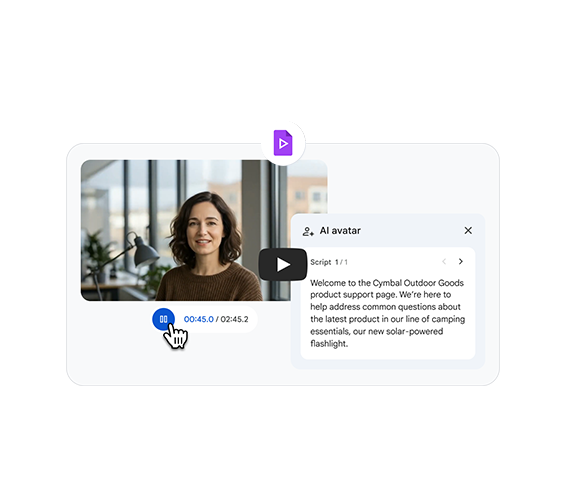
Bring your scripts to life with AI avatars and 8-second AI-generated video clips that animate images and add motion, making demos, tutorials, and presentations more engaging. Create professional-looking videos without the need for cameras or complex production setups. Easily customize avatars, visuals, and styles to match your brand and message. This helps you deliver dynamic, visually engaging content that captures attention and improves communication.
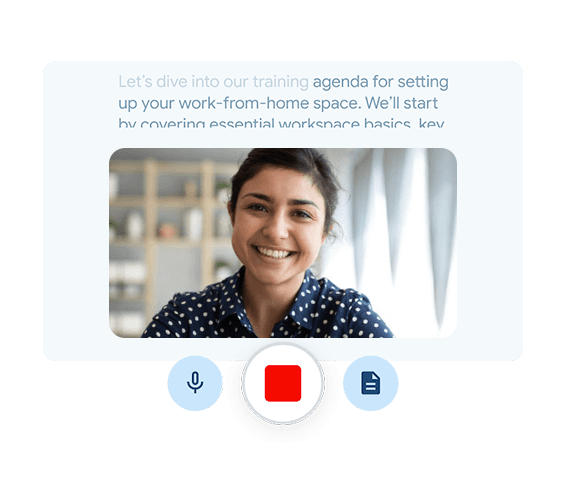
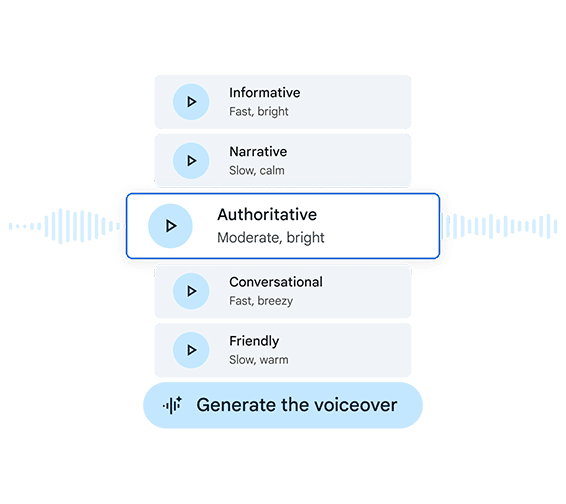
Automated Editing & AI Voiceovers
Enhance productivity with AI tools that trim pauses, remove filler words, and add professional voiceovers to produce polished videos that drive audience engagement. Instantly refine raw recordings into smooth, professional-quality videos without manual editing effort. Choose from natural-sounding AI voice options to match your tone and audience. This ensures faster production, consistent quality, and more impactful video content for your business.
Create Branded Videos with Stock Media & Customization
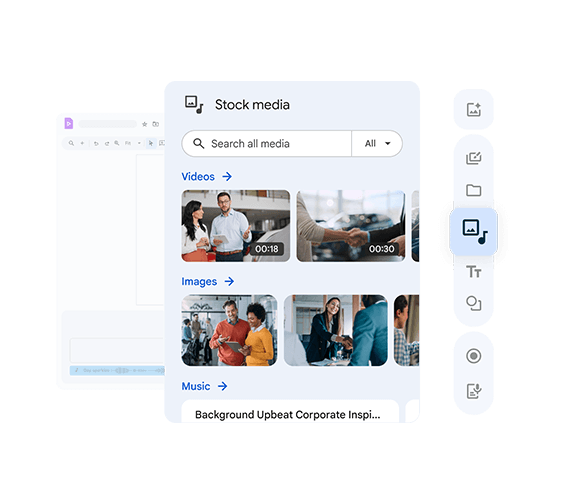
Access royalty-free stock footage, images, and music, and customize themes, colors, and effects to grow your brand impact.
Extensive Stock Media & Audio Library
Access high-quality, royalty-free videos, images, and music to create engaging content that strengthens your brand presence.
Customizable Branding & Themes
Dynamic Transitions & Visual Effects
Collaborate and Integrate Across Teams
Work in real time, manage feedback, and import media from Google Workspace to boost productivity and business growth.
Real-Time Team Collaboration
Work together on video projects simultaneously, streamlining workflows and speeding up project delivery.
Integrated Feedback & Review
Seamless Workspace Integration
Frequently Asked Questions
Want to know more about Google Vids?
Google Vids is an AI‑powered video creation and editing tool within Google Workspace that helps teams create, edit, and share video content for business storytelling, training, and communication. It uses Gemini AI to generate outlines, scripts, and visuals from prompts and files.